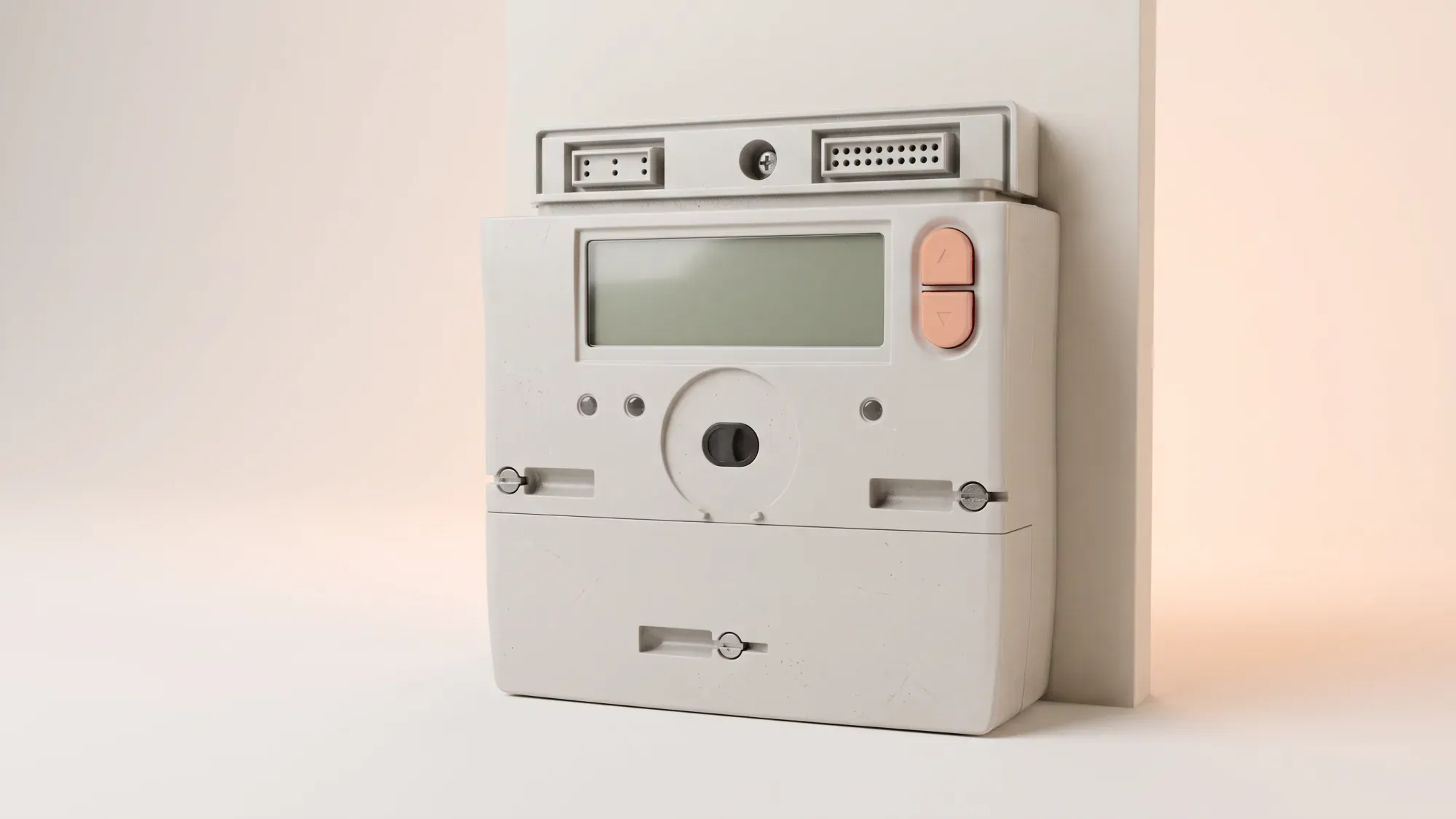
If you suspect your electric meter is inaccurate or faulty, leading to incorrect bills, you can perform several checks and follow a clear process to address your concerns. Ensuring your meter's accuracy is crucial for fair billing and peace of mind.
Concerned about your electric meter's accuracy? Fuse Energy offers transparent processes to help you understand your usage and ensure fair billing. Click here to learn more about switching to a fairer energy supplier.
Your electric meter is the primary device measuring your home's energy consumption, directly impacting your electricity bills.
Why meter accuracy matters for your bills
Electric meters measure the amount of electricity your home uses in kilowatt-hours (kWh). This reading forms the basis of your energy bill. An inaccurate meter could mean you are overpaying for energy you haven't used, or underpaying, which could lead to a large catch-up bill later. The average UK home uses around 2,500 kWh of electricity per year1. Understanding what is a kWh can help you better interpret your usage.
Common reasons for suspected inaccuracies
Concerns about meter accuracy often arise from a sudden, unexplained change in energy bills. While a faulty meter is a possibility, other factors can cause discrepancies, such as seasonal usage changes, new appliances, or estimated readings if your smart meter isn't communicating correctly. Smart meters can have various statuses, including ONLINE, OFFLINE, CONNECTING, or LOW_BATTERY (for gas meters only), and an offline status doesn't necessarily mean the meter is faulty. If you don't have a smart meter, consider a smart meter installation to get more detailed usage data.
Before contacting your energy supplier, performing some basic checks can help you understand if there's a genuine issue with your meter or if another factor is at play.
Visual inspection for damage or tampering
Start by visually inspecting your electric meter. Look for any obvious signs of damage, such as cracks, loose wires, or scorch marks. Check for signs of tampering, like altered seals or unusual attachments, which could indicate an unsafe situation. If you notice any damage or suspect tampering, contact your energy supplier immediately.
The 'burns test': checking for unexplained usage
The 'burns test' is a simple way to check if your meter is recording usage when it shouldn't.
- Turn off all electrical appliances in your home, including lights, chargers, and standby devices. Unplug anything you can.
- Check your electric meter. If it's a traditional meter with a spinning disc, the disc should stop moving. If it's a digital meter, the numbers should not be advancing, or the usage indicator light should not be flashing.
- If the meter continues to register usage despite all appliances being off, it could indicate a fault or an unknown appliance drawing power.
Monitoring your meter readings for patterns
Regularly taking and recording your meter readings can help identify unusual patterns. Compare these readings with your past bills and typical usage. A sudden, unexplained spike or drop in consumption might warrant further investigation. Keep a log of your readings and the dates you took them.
While the initial checks can provide clues, certain persistent signs more strongly suggest a faulty electric meter.
Unusually high or low energy bills
A significant and sustained increase or decrease in your energy bills without a corresponding change in your energy usage habits is a primary indicator. If your energy bill explained seems consistently much higher than expected, or surprisingly low, your meter might be misreading.
Meter display issues or blank screens
Digital meters can suffer from display problems. If your meter screen is blank, unreadable, or cycles through strange symbols, it could be faulty. A blank screen on a smart meter means you can't read it, but it doesn't always mean the meter has stopped working or that your supply has been cut off.
Meter making unusual noises
Electric meters are generally quiet. If you notice your meter making unusual buzzing, humming, or clicking noises that are louder than normal, it could be a sign of an internal fault.
If your initial checks and observations suggest a potential issue, Fuse Energy offers a clear process to investigate further.
Starting with a free remote test
Fuse Energy's process begins with a free remote test. This initial step allows our human customer support team to analyse your meter data remotely and often identify common issues without needing an engineer visit. This can save you time and avoid unnecessary costs.
When an engineer visit is required
If the remote test doesn't resolve the issue or indicates a potential physical fault, an engineer visit will be arranged. An engineer will conduct a thorough inspection and accuracy test of your meter on-site.
Understanding conditional costs for engineer tests
It's important to understand the costs associated with an engineer visit for a meter accuracy test. Fuse Energy charges a fee if the meter is found to be working correctly.
If the engineer finds the meter is faulty, the accuracy test is free of charge. However, if the meter is found to be working correctly, you will be charged £198 for a single-phase electricity meter or £432 for a three-phase electricity meter (including VAT). This conditional cost ensures that professional resources are used efficiently and fairly.
The outcome of the meter accuracy test determines the next steps, from meter replacement to billing adjustments.
If your meter is found faulty
Should the engineer confirm your meter is faulty, the test will be free, and your energy supplier will arrange for a replacement meter. They will also investigate your past billing to determine if you've been overcharged or undercharged due to the faulty meter.
If your meter is found accurate
If the meter is found to be accurate, you will be charged the conditional fee. Your supplier will then help you explore other reasons for your high or low bills, such as changes in energy consumption habits, new appliances, or issues with estimated readings.
Billing adjustments and resolutions
If a fault is found, your energy supplier will calculate any necessary billing adjustments. This could result in a refund for overpayments or a revised bill for underpayments. Ofgem, the UK's energy regulator, sets rules for how suppliers must handle these situations, ensuring fair treatment for customers2.
As an energy customer in the UK, you have specific rights when it comes to meter accuracy and resolving disputes.
Contacting your energy supplier for support
Your first point of contact should always be your energy supplier. They are responsible for your meter and will guide you through their testing process. Fuse Energy's human customer support is available to assist you at every stage, from initial checks to understanding test results and subsequent actions.
Independent meter testing and Ofgem's role
If you remain dissatisfied with your supplier's response or the outcome of their meter accuracy test, you have the right to request an independent test of your meter. Ofgem regulates energy suppliers and sets rules for meter accuracy, testing, and consumer protection. They can provide guidance on escalating your complaint if necessary.
Getting further assistance from Fuse Energy
Fuse Energy is committed to transparency and customer support. Our dedicated team can help you navigate concerns about your electric meter, explain our processes, and provide clear information about any costs involved. We aim to empower you with the information and support needed to resolve meter accuracy issues effectively.
Managing your energy bills should be clear and easy to understand. Fuse Energy focuses on straightforward pricing, so you can see exactly what you're paying without unnecessary complexity. If you have a smart meter, you can view detailed usage data through the app or website, helping you understand how you can lower your bills. Our human support team is always on hand with fast response times whenever you need help. Click here to switch to Fuse Energy today. Find out about our mission by clicking here.