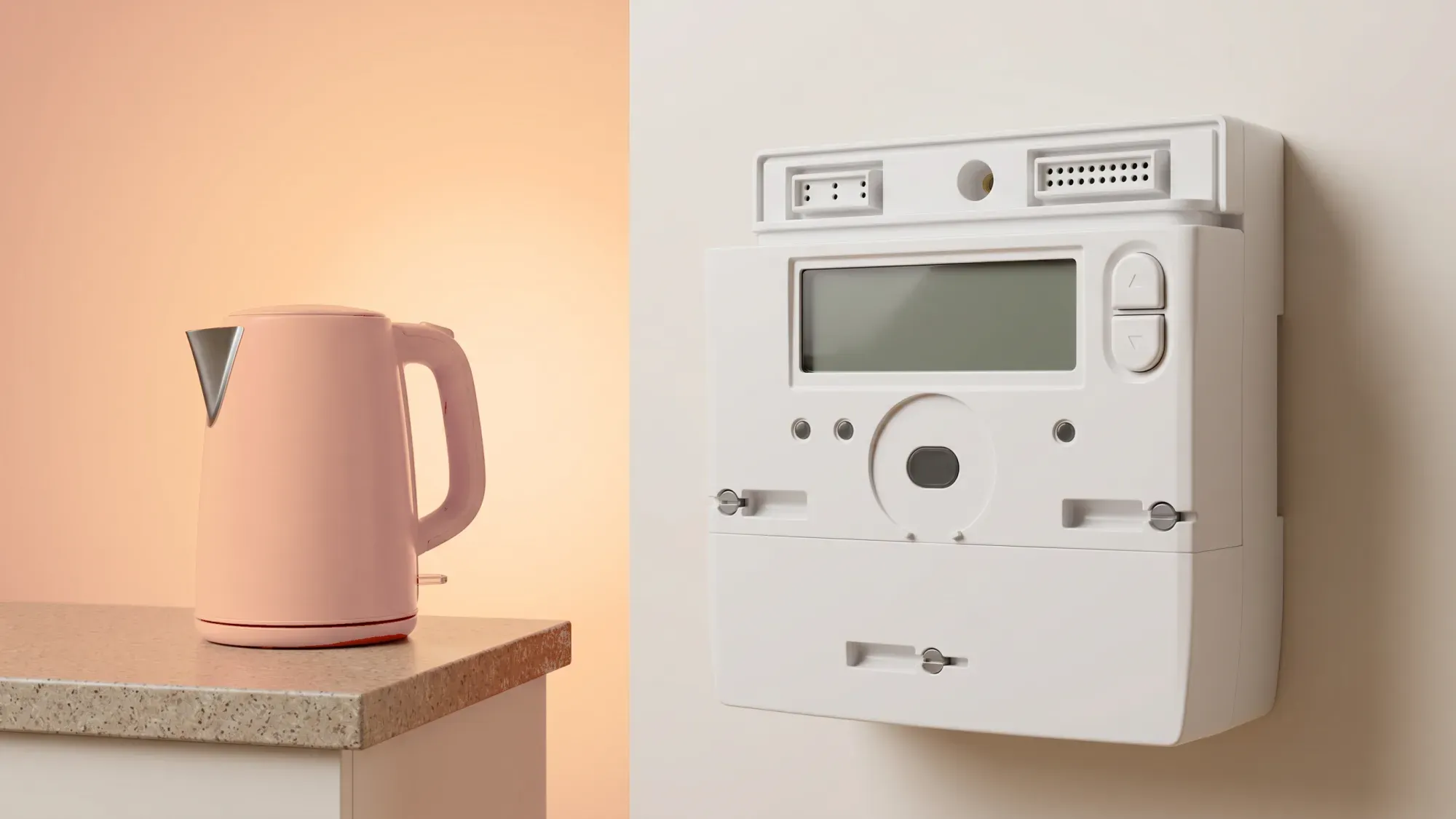
The Landis+Gyr E470 is a common SMETS2 smart electricity meter installed in many UK homes. It provides automatic readings to your energy supplier and offers insights into your electricity consumption. This guide explains how to read its display, interpret messages, and troubleshoot common issues, giving you clear, practical information to manage your energy with confidence.
Understanding your Landis+Gyr E470 smart meter can help you manage your electricity usage more effectively. Fuse Energy provides clear insights through its app and 24/7 human customer support to help you get the most from your smart meter. Click here to switch to Fuse Energy today.
Understanding your SMETS2 smart meter
The Landis+Gyr E470 is a SMETS2 compliant smart meter, meaning it uses a dedicated, secure national network managed by the Data Communications Company (DCC) to automatically send your electricity readings to your supplier. This system aims for accurate billing and typically removes the need for manual meter readings, though occasional issues may still lead to estimated bills if the meter is offline. SMETS2 meters typically send electricity readings to suppliers daily, often around midnight. All smart meters in Great Britain, including the Landis+Gyr E470, must comply with Ofgem's safety and performance standards.
Key features of the E470
The E470 is designed for the UK energy market, supporting both credit and prepayment modes. It offers remote supply control, advanced load limiting, and flexible tariff configuration. The meter can also receive and display messages from your energy supplier. It features a backlit LCD display and two control buttons, typically labelled 'A' and 'B'.
To effectively monitor your electricity consumption, understanding how to navigate your E470 meter's display is key.
Locating your electricity reading (kWh)
Your main electricity reading on the E470 display is typically shown in kilowatt-hours (kWh). This represents the total amount of electricity you have consumed.
To find your current reading:
- Hold button B to open the Tariff Display List.
- The first screen will typically show your current reading for the first rate (Rate 1 or R01), often displayed as "IMP R01" followed by a number and "kWh".
Navigating the display screens
The 'A' button is primarily used to move through different display functions within the Tariff Display List, including time, date, credit mode balance, tariff price, standing charge, and your Meter Point Administration Number (MPAN). The meter will revert to its default screen after a few minutes of inactivity.
Understanding single and dual rate readings
If you are on a tariff with different rates (e.g., Economy 7 with day and night rates), your E470 meter will show two separate readings:
- Rate 1 (R01): This usually represents your peak or daytime reading.
- Rate 2 (R02): This typically represents your off-peak or night-time reading.
To view both rates:
- Hold button B to open the Tariff Display List. The first screen will show Rate 1.
- Press button A to move to Rate 2.
Your E470 meter can show various messages and symbols that provide information about its status or your energy usage.
Common display icons and their meanings
The meter's LCD screen can display information like time, date, and various energy registers. It can also show messages from your energy supplier. While specific icons can vary slightly, common displays relate to your credit balance, emergency credit status, or tariff information.
Understanding error codes and alerts
If your meter displays an error code or an unusual message, it indicates a potential issue. For example, a "Load limit exceeded" message indicates you have gone over your set load limit. For other issues, such as communication problems, the meter might display specific firmware versions or error codes that indicate a need for supplier intervention.
Encountering issues with your smart meter can be frustrating, but many common problems have straightforward troubleshooting steps.
What to do if your screen is blank or unresponsive
If your E470 display is blank or unresponsive, first check if there is a power outage in your area or if your main consumer unit (fuse box) has tripped. If your home has power but the meter screen remains blank, it might be in sleep mode to preserve battery. If pressing a button does not wake it, it could indicate a meter fault. For persistent issues, contact your energy supplier.
Addressing flashing lights and unusual noises
Flashing lights on your E470 or its communications hub could indicate that the smart meter is not communicating with your energy supplier. If your meter is making unusual noises, such as bleeping, and you have checked your power supply, it is best to contact your energy supplier for advice. They can often run remote diagnostics or schedule an engineer.
Resolving communication issues
If your smart meter is not sending readings automatically, it might be experiencing communication issues. This can lead to estimated bills instead of accurate ones. Your energy supplier can remotely diagnose and often resolve these problems. If remote solutions are not possible, they may arrange for an engineer to visit and fix or replace the meter.
Proper care and knowing who to contact for support ensures your smart meter functions correctly.
General care for your E470
Smart meters like the E470 are designed to be robust and generally require little maintenance from the homeowner. Avoid tampering with the meter, as this can be dangerous and illegal. Keep the area around your meter clear and accessible.
When to contact your energy supplier
You should contact your energy supplier for:
- Persistent blank or unresponsive meter displays.
- Unusual error codes or messages that you cannot resolve.
- Communication issues where your meter is not sending readings.
- Any concerns about the meter's safety or operation.
Your energy supplier's contact details are typically found on your bill or their website.
Emergency contacts for gas and electricity
For electricity emergencies, such as power cuts, contact your local Distribution Network Operator (DNO) by calling 105. This number is free to call and connects you directly to the DNO, who handles power cuts and other immediate electricity safety risks. For a suspected gas leak or the smell of gas, call the National Gas Emergency Service immediately on 0800 111 999.
Fuse Energy empowers customers to understand their energy consumption better, offering clear, actionable insights and support.
Connecting your smart meter to the Fuse app
The Fuse app integrates seamlessly with smart meter data from devices like the E470. By connecting your smart meter, you gain access to real-time insights into your electricity usage, moving beyond simply 'using less' to 'using smarter'.
Gaining insights into your electricity usage
Through the Fuse app, you can view detailed usage data from your E470 meter. This transparency allows you to track consumption patterns, identify areas where you can reduce energy waste, and make informed decisions about your energy habits.
Accessing 24/7 human customer support
Fuse offers 24/7 human customer support. This ensures you have a reliable point of contact for assistance, providing peace of mind and practical help whenever you need it.
Managing your energy bills should be clear and easy to understand. Fuse Energy focuses on straightforward pricing, so you can see exactly what you are paying without unnecessary complexity. If you have a smart meter, you can view detailed usage data through the app or website, helping you understand how you can lower your bills. Our 24/7 human support team is always on hand with fast response times whenever you need help. Click here to switch to Fuse Energy today. Find out about our mission by clicking here.