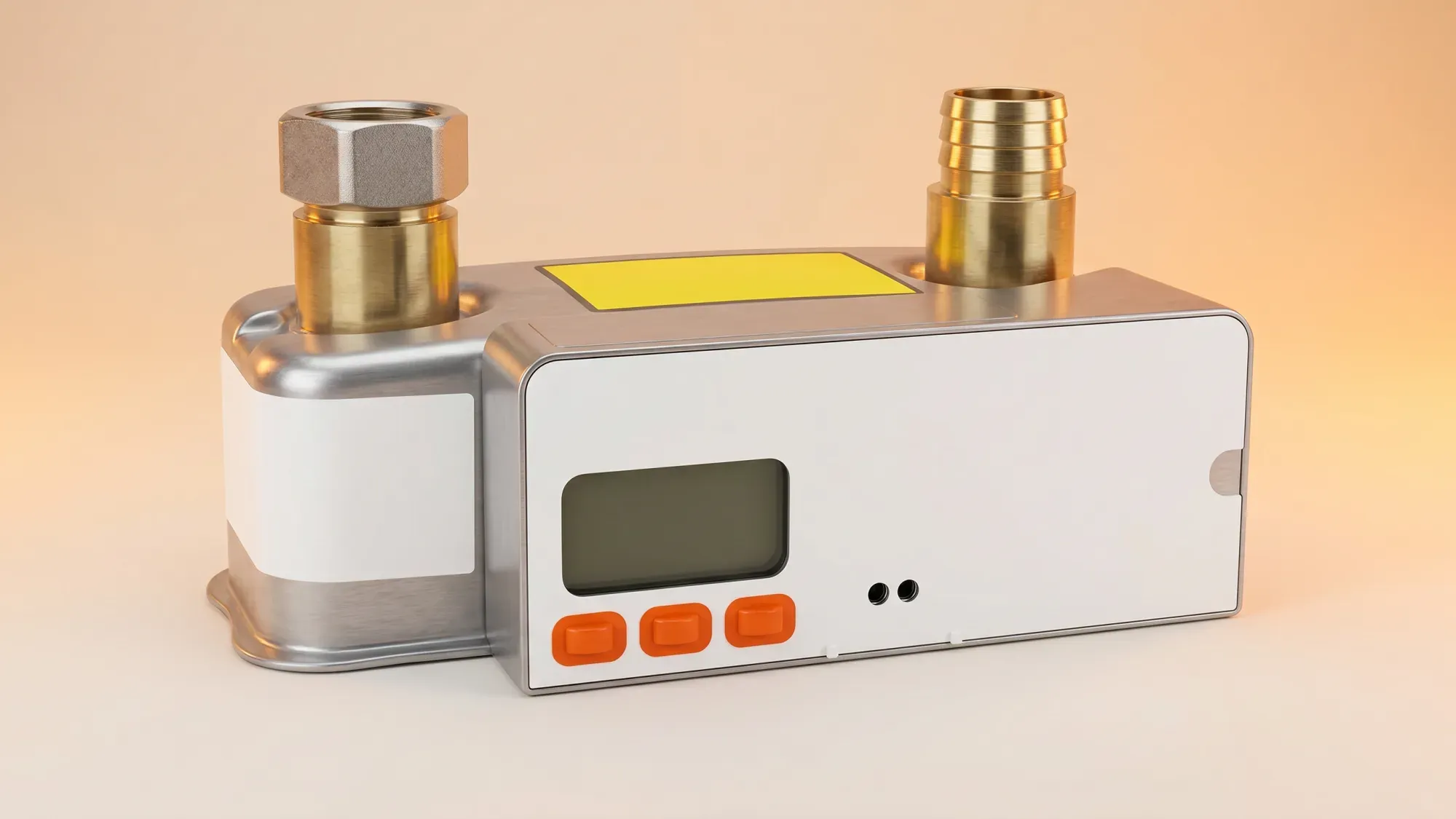
A blank gas meter screen can be concerning, but it often indicates a power-saving mode rather than a serious fault. Understanding the common causes and knowing the right steps can help you troubleshoot the issue, ensure your gas supply is safe, and maintain accurate billing. This guide walks you through what to do if your gas meter screen goes blank.
If your gas meter screen is blank, getting clear information about your energy usage is key. Fuse Energy provides straightforward pricing and in-app usage data, helping you stay on top of your energy. Click here to switch to Fuse Energy today.
A blank gas meter screen can be unsettling, but several reasons, ranging from minor to more serious, could be behind it.
Power-saving mode
Many modern smart gas meters are designed to conserve battery life by entering a power-saving mode, which turns off the display. This is often the simplest explanation for a blank screen and doesn't indicate a fault or loss of gas supply. The meter continues to record usage internally even when the display is off. You may find that your in-home display (IHD) also goes blank to save power.
Low or dead battery
Gas meters operate on an internal battery, not your home's mains electricity supply. This battery is sealed within the unit and is not user-replaceable. When this battery runs low or dies, the screen will go blank. For SMETS1 ("S1") smart gas meters, a fully dead battery closes an internal safety valve, cutting off the gas supply until the meter is replaced. The resolution for a depleted or failing gas meter battery is to replace the entire gas meter, not just the battery.
Faulty meter
Sometimes, a blank screen can indicate a fault with the meter itself. This could be due to internal component failure or damage. While less common than power-saving mode or a low battery, a faulty meter will require attention from your energy supplier.
Before contacting your energy supplier, there are a few simple checks you can perform to diagnose the issue.
Check your gas supply
First, verify if your gas supply is still active. Try lighting a gas hob or turning on your central heating. If you still have gas, the blank screen is likely due to power-saving mode or a low battery that hasn't yet affected the supply. If you have no gas, especially with an older SMETS1 meter, a dead battery is a strong possibility.
Locate your meter Serial number (MSN)
Your Meter Serial Number (MSN) is a unique identifier printed on the physical casing of your gas meter. This number is crucial for your energy supplier to identify your specific meter and its details. Make a note of it before you call.
Attempt a display wake-up
Many meters in power-saving mode can be woken up by pressing any button on the display. Try pressing buttons one at a time, or holding one down for about 10 seconds, to see if the screen reactivates. If it does, the meter is functioning correctly and was simply conserving power.
If the screen remains blank after attempting to wake it up, or if you have no gas supply, it's time to contact your energy supplier. They are responsible for maintaining and replacing meters at your property.
Preparing for the call
Have your MSN ready, along with your address and account details. Be prepared to describe the symptoms, such as whether you still have gas, what troubleshooting steps you've already taken, and how long the screen has been blank.
What to expect from your supplier
Your energy supplier will guide you through further diagnostic steps over the phone. They may be able to remotely check the meter's status. Depending on their assessment, they might schedule an engineer visit to inspect or replace the meter.
Understanding meter replacements
If your gas meter's battery is dead or the unit is faulty, your energy supplier will arrange a meter replacement. This involves replacing the entire gas meter with a new one. Energy suppliers are responsible for arranging these replacements for faulty or manual meters.
Smart gas meters offer benefits like automatic readings, but they also have specific considerations when the screen goes blank.
SMETS1 meters and gas supply cut-off
As noted, if you have an older SMETS1 smart gas meter, a completely dead battery will cause the internal safety valve to close, cutting off your gas supply until the meter is replaced. This is a critical safety feature.
Estimated billing and meter readings
Even with a blank screen, your gas meter may still be recording usage internally. However, if your smart meter is unable to send readings to your supplier, you might receive estimated bills. Smart gas meters typically provide one daily cumulative reading. To ensure accurate billing, it's essential to resolve the blank screen issue so your supplier can receive actual consumption data. Ignoring a blank screen can lead to estimated bills that may not reflect your true usage.
Managing your energy bills should be clear and easy to understand. Fuse Energy focuses on straightforward pricing, so you can see exactly what you're paying without unnecessary complexity. If you have a smart meter, you can view detailed usage data through the app or website, helping you understand how you can lower your bills. Our in-app chat support is always on hand whenever you need help. Click here to switch to Fuse Energy today. Find out about our mission by clicking here.