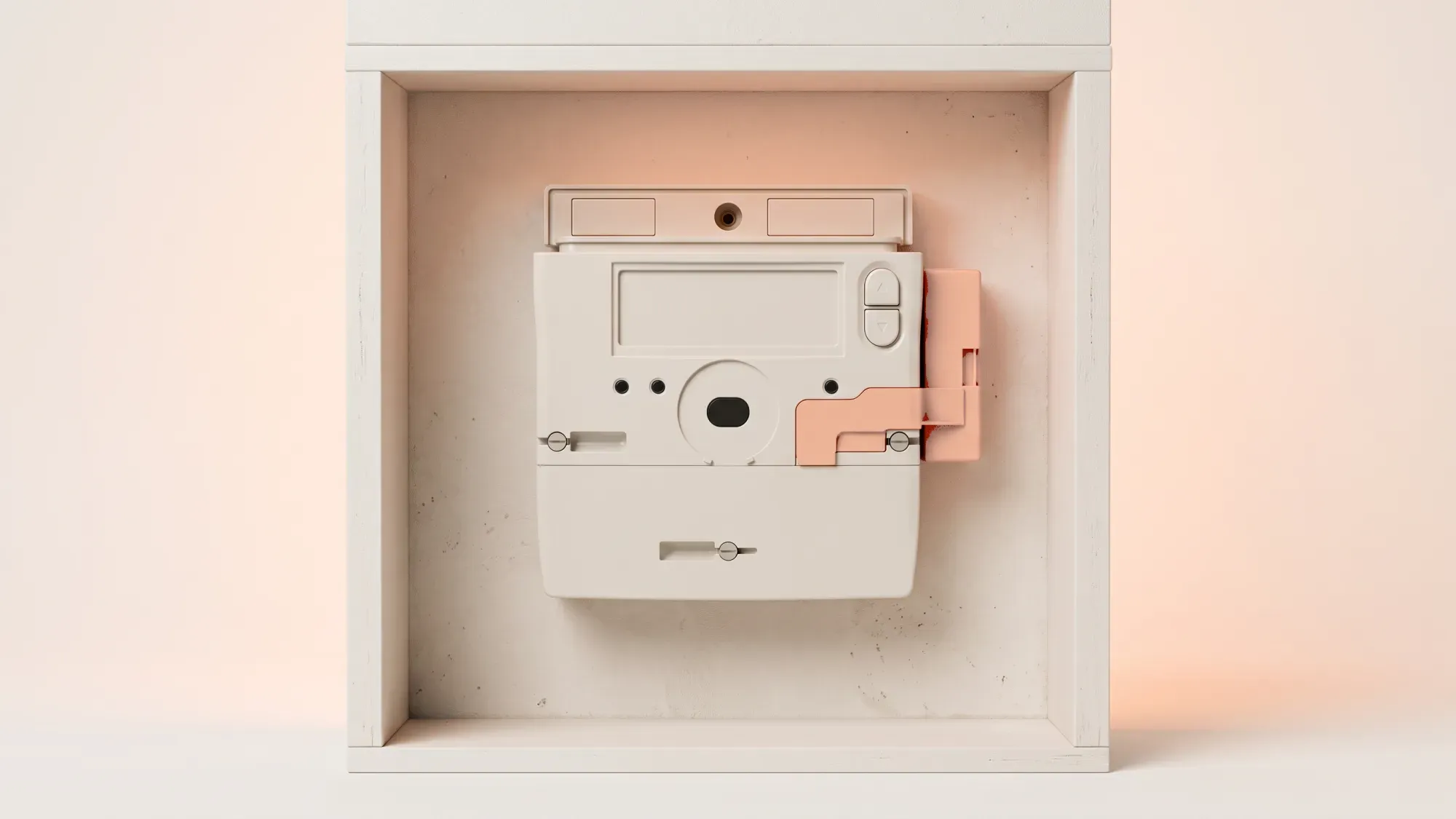
The EDMI GS-60B is a smart gas meter designed for residential use, providing an efficient way to track your home's gas consumption. Understanding how to read your meter and troubleshoot common issues can help you manage your energy usage effectively.
Understanding your EDMI GS-60B smart gas meter helps you manage your home's energy. Fuse Energy provides clear insights into your usage, making it easier to stay on top of your gas consumption. Click here to switch to Fuse Energy and take control of your energy.
Understanding your residential smart gas meter
The EDMI GS-60B is a residential smart gas meter, designed for homes in Great Britain. Energy suppliers, like Fuse, arrange and install these meters, meaning homeowners do not choose their specific smart meter model. Smart meters in Great Britain are regulated by Ofgem, ensuring standards for installation and operation. The SMETS2 standard ensures interoperability between meters and suppliers, allowing for smoother switching.
Key features and benefits for homeowners
Smart meters, such as the EDMI GS-60B, automatically send readings to your energy supplier, leading to accurate billing and fewer estimated bills. Gas meters measure consumption in cubic metres (m³) or cubic feet (ft³), which is then converted to kilowatt-hours (kWh) for billing purposes. This conversion provides consistent billing across different energy types. The EDMI GS-60B operates on battery power, which is standard for gas meters.
Knowing how to read your EDMI GS-60B meter is essential for monitoring your gas usage and verifying your bills.
Locating the display and buttons
Your EDMI GS-60B meter typically has a digital display and buttons, often labelled 'A' and 'B', for navigation. These are usually on the front of the meter and show your current reading and other messages.
How to take a reading
To take a reading, press one of the buttons (often 'A') to activate the display. Your current gas reading, usually in m³, will appear. Note down all the numbers on the main display, ignoring any after a decimal point or in a different colour. For more detailed guidance, you can learn how to read your smart meter.
Interpreting display symbols and information
The meter's display may show various symbols or messages. These could indicate signal strength, battery status, or if the meter is sending data. If you are unsure about a specific symbol, it is best to consult your energy supplier's guidance or contact them directly.
Smart meters are generally reliable, but occasional issues can arise. Here is how to approach some common problems.
Error codes and warnings
If your EDMI GS-60B display shows unusual symbols or error codes, it often signals a fault or a low battery. While some issues might be temporary, persistent warnings should prompt further investigation. Your energy supplier can provide specific meanings for error codes relevant to your meter model.
Blank screen or low battery concerns
If your meter screen is blank, it might be in power-saving mode. Pressing a button should reactivate it. However, a completely blank screen that does not respond could indicate a dead battery. It is crucial to understand that the battery in a gas meter is sealed and cannot be replaced by you or an engineer. If the battery is depleted, a meter exchange (replacement of the entire meter) is required.
Restoring gas supply after an interruption
If your gas supply has been interrupted due to a meter issue, such as a dead battery on an older SMETS1 meter, you will need to contact your energy supplier. They will arrange for a meter exchange to restore your supply. If the interruption is due to running out of credit on a prepayment meter, your supplier can guide you through the top-up process and how to re-enable your supply. The average UK home uses around 9,500 kWh of gas per year, according to Ofgem.
While basic troubleshooting can resolve minor issues, some problems require professional intervention.
Unresolved issues and suspected faults
If basic troubleshooting does not resolve issues like persistent error codes or a blank screen on your EDMI GS-60B meter, or if you suspect a fault, contact your energy supplier. They have the expertise to diagnose and resolve more complex problems.
Meter replacement and upgrades
Homeowners in Great Britain do not choose their smart meter model. If your meter's battery is depleted or if there is a significant fault that cannot be repaired, your energy supplier will arrange a meter exchange. This ensures you continue to have an accurate and functioning meter. You can also learn more about smart meter installation if you are looking to upgrade.
Priority Services Register support
If you or someone in your household needs extra support due to age, health, or disability, you may be eligible for the Priority Services Register (PSR). This free service provides additional help during power cuts or supply interruptions, such as advance notice of planned power cuts and priority support in emergencies. Contact your energy supplier to find out more and register. You can also read our guide on the PSR for more information.
Fuse Energy is committed to helping homeowners understand and manage their energy. Our transparent app provides clear access to your smart meter readings and account management, empowering you with energy data. We also offer 24/7 human customer support to assist with smart meter queries and issues, ensuring you always have help when you need it. Click here to switch to Fuse Energy today. You can also learn more about our mission to make energy abundant and affordable here.