Boiler timer: your guide to heating control
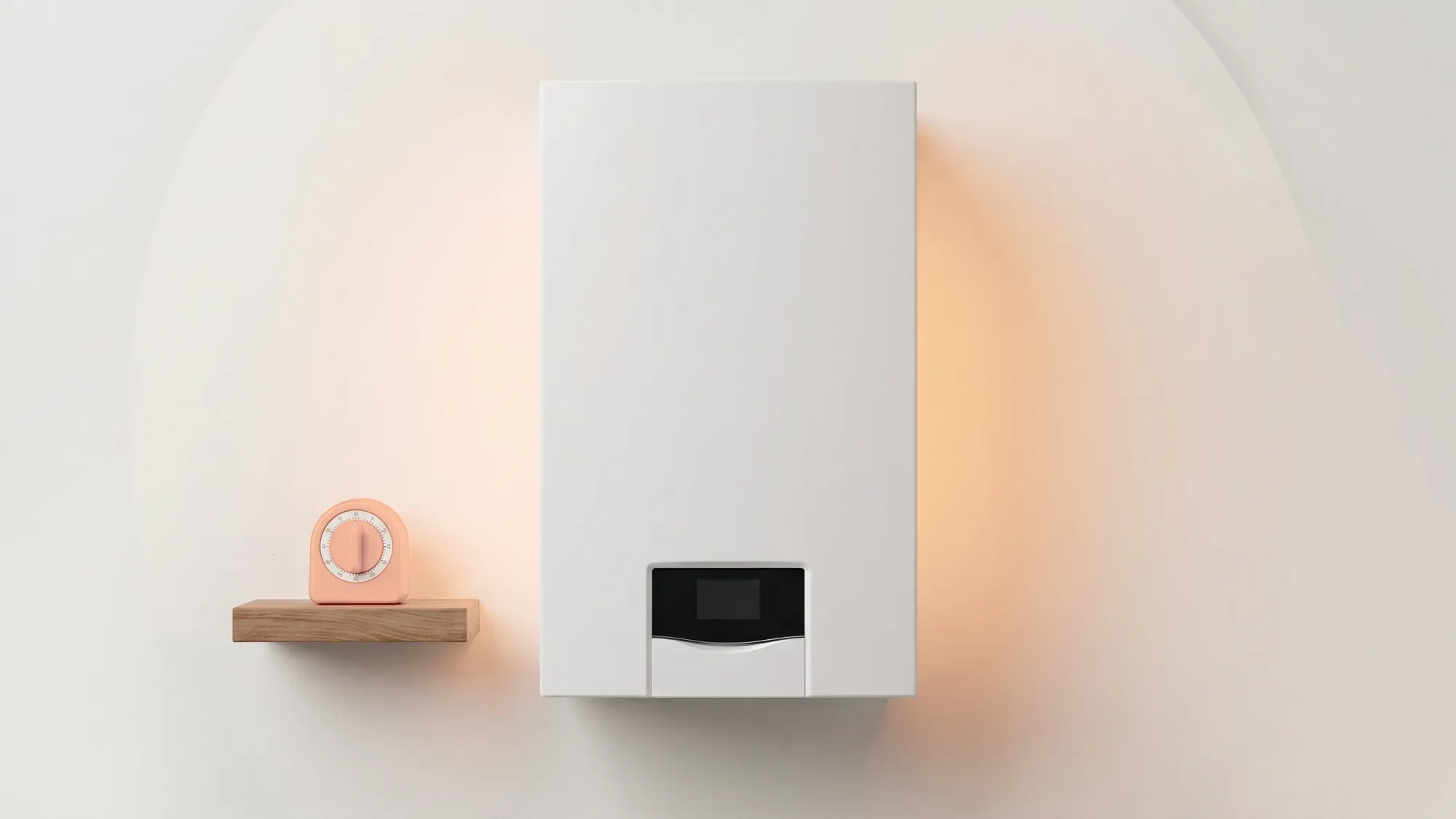
A boiler timer, also known as a central heating programmer, allows you to schedule when your heating and hot water turn on and off, helping you align energy use with your daily life. This simple control can significantly reduce energy waste, leading to lower bills and a more comfortable home. Fuse Energy empowers customers to take control of their home heating through effective boiler timer usage, leading to comfort and energy savings, aligning with its vision of energy abundance and customer control.
What is a boiler timer?
A boiler timer is a device that lets you set specific times for your central heating and hot water to operate. Instead of your boiler running constantly or being switched on and off manually, a timer automates this process, ensuring warmth when you need it and conserving energy when you don't.
Understanding central heating programmers
Central heating programmers are essentially the same as boiler timers, offering a way to control your heating system's schedule. They act as the brain of your heating system, telling the boiler when to fire up and when to switch off. Modern programmers can be highly sophisticated, allowing for different schedules on different days of the week and separate control for heating and hot water.
Why control your heating schedule?
Controlling your heating schedule is crucial for both comfort and efficiency. Heating an empty home wastes energy and money. By setting your heating to come on shortly before you wake up or arrive home, you ensure your living space is warm when occupied, without unnecessary consumption. This optimisation can lead to noticeable savings on your energy bills.
Types of boiler timers
Boiler timers come in various forms, from simple mechanical dials to advanced digital interfaces. Understanding the differences helps you choose and use the right one for your home.
Mechanical boiler timers
Mechanical timers are typically the simplest type, often featuring a rotating dial with pins or tappets that you push in or pull out to set 'on' and 'off' periods. They are generally less flexible, often offering 24-hour programming that repeats daily. While straightforward to use, they lack advanced features like different schedules for weekdays and weekends or holiday modes.
Digital boiler timers
Digital boiler timers offer greater flexibility and precision. They feature a digital display and buttons for programming, allowing you to set multiple 'on' and 'off' periods throughout the day, often with different schedules for each day of the week. Many also include features like a 'holiday mode' to maintain a low temperature while you're away, or a 'boost' function for temporary heating.
Single-channel vs two-channel programmers
The number of "channels" refers to how many aspects of your heating system the programmer can control independently.
- Single-channel programmers typically control only the central heating. If you have a combi boiler, which heats water on demand, a single-channel programmer might be sufficient.
- Two-channel programmers provide independent control over both central heating and hot water. This is particularly useful for homes with a hot water cylinder, allowing you to heat water only when needed, separate from your central heating schedule. Some advanced programmers even offer three channels, allowing for multiple heating zones.
Benefits of using a boiler timer
Using a boiler timer effectively offers several advantages beyond just basic heating control.
Energy efficiency and cost savings
Optimising your heating schedules with a boiler timer can lead to significant energy savings. By ensuring your heating is only active when needed, you avoid wasting energy on heating an empty home. Lowering your thermostat by just 1°C can reduce heating costs by up to 10%. The average UK home uses around 2,500 kWh of electricity per year, and managing heating effectively contributes to overall energy reduction.
Enhanced comfort and convenience
A well-programmed boiler timer provides consistent comfort. You can wake up to a warm home, or return to one after work, without having to manually adjust settings. This automation removes the need for constant adjustments, making your home heating more convenient and tailored to your lifestyle.
Environmental impact
Reducing energy consumption through efficient heating schedules also lessens your home's carbon footprint. By using less fuel, you contribute to a reduction in greenhouse gas emissions, supporting broader environmental goals.
How to set your boiler timer
Setting your boiler timer correctly is key to maximising its benefits. The process varies depending on whether you have a mechanical or digital unit.
Setting a mechanical timer step-by-step
- Locate the dial: Mechanical timers usually have a rotating dial with numbers representing hours.
- Set current time: Rotate the outer dial until the current time aligns with a fixed marker.
- Use pins/tappets: Push in or pull out the small pins or tappets around the dial to designate 'on' and 'off' periods. Pushed-in segments typically mean 'on', while pulled-out segments mean 'off' (or vice-versa, check your specific model's instructions).
- Select mode: Choose between 'timed', 'on', or 'off' settings using a switch or button.
Programming a digital timer
- Set current time and day: Access the 'set time' or 'clock' menu and adjust the hours, minutes, and day of the week.
- Enter program mode: Look for a 'program', 'set', or 'P' button to enter the scheduling mode.
- Set 'on' and 'off' times: You'll typically be prompted to set the first 'on' time, then the first 'off' time, and so on for each period. Many digital timers allow for multiple periods per day and different schedules for weekdays and weekends.
- Repeat for hot water (if two-channel): If you have a two-channel programmer, repeat the programming steps for your hot water settings.
- Save and exit: Ensure you save your settings before exiting the program mode.
Adjusting for heating and hot water
On a two-channel programmer, you'll see separate controls or menus for central heating (often labelled 'CH' or a radiator symbol) and hot water (often labelled 'HW' or a tap symbol). This allows you to heat water independently, for example, having hot water available in the evenings without the central heating running.
Turning your boiler timer off
To turn your boiler timer off, look for a mode selection switch or button. Common options include:
- Off: Completely disables both heating and hot water.
- Constant/On: Keeps heating and/or hot water on continuously (useful for very cold spells, but less efficient).
- Timed/Auto: Follows your programmed schedule.
- Boost/Advance: Temporarily overrides the schedule for a short period.
Optimising your heating schedule
Once you know how to set your timer, the next step is to refine your schedule for maximum efficiency and comfort.
Matching your schedule to your lifestyle
The most effective heating schedule matches your household's routine. Consider:
- When do you wake up and go to bed? Set heating to come on 30-60 minutes before you wake and go off 30 minutes before bed.
- When is the house empty? Turn heating off or significantly lower it when everyone is out for work or school.
- Which rooms are used most? Focus heating on living areas during the day and bedrooms at night.
- What temperature is comfortable? Aim for a thermostat setting between 18-21°C to balance comfort and savings. Lowering it by just one degree can save money.
Seasonal adjustments and holiday modes
Don't set and forget your timer. Adjust it for:
- Seasonal changes: You'll need less heating in spring and autumn than in winter.
- Holidays: Use a 'holiday mode' if available, which maintains a low background temperature to prevent pipes freezing without fully heating the home. If not, turn the system off or to a very low frost-protection setting.
Tips for Vaillant boiler timers
Many modern boilers, including Vaillant ecoTEC Plus models, feature integrated digital timers or are compatible with external programmers. Vaillant's timeSWITCH 160, for example, is a two-channel digital timer designed to mount directly into the boiler fascia, controlling heating and hot water with flexible programming. Fuse Energy, as installers of Vaillant ecoTEC Plus boilers, can offer expert insights into optimising timers for these popular models. If your Vaillant boiler has an older analogue timer, it may be possible to upgrade to a digital version, even for models installed before 2012, though compatibility should be checked.
Beyond the basic timer
While boiler timers are powerful tools, other technologies and considerations can further enhance your heating control.
Boiler timers for combi boilers
Combi boilers heat water on demand, so they don't require a separate hot water schedule. For these systems, a single-channel timer or programmer is often sufficient, focusing solely on the central heating schedule.
Boiler timer vs smart thermostat
A boiler timer sets fixed 'on' and 'off' periods. A smart thermostat, however, offers more advanced control:
- Remote access: Control your heating from your phone, anywhere.
- Learning capabilities: Some smart thermostats learn your habits and adjust schedules automatically.
- Zoning: Control different areas of your home independently.
- Weather compensation: Adjusts heating based on outside temperatures.
Smart thermostats often integrate with your boiler's existing controls, offering a more dynamic approach to heating management.
Troubleshooting common timer issues
- Timer not working: Check power supply, ensure it's set to 'timed' or 'auto' mode, and verify the clock is set correctly.
- Heating/hot water not coming on: Confirm the boiler is switched on and has adequate pressure. Check if the timer is overriding other controls (like a room thermostat).
- Incorrect times: Reset the current time and reprogramme the schedule carefully.
- Mechanical timer ticking loudly: This can sometimes happen with older analogue models and may indicate wear.
Can I upgrade my boiler's analogue timer to a digital one?
Yes, many boilers with older analogue timers, including some Vaillant ecoTEC Plus models, can be upgraded to a digital timer. These digital timers often offer more flexible programming and features like holiday mode. It's best to check your specific boiler model's compatibility or consult an installer.
If you're struggling with your heating controls, Fuse Energy's 24/7 human customer support is available to assist with general heating control queries, providing peace of mind.
Disclaimer
For the avoidance of doubt, this article is provided for informational purposes only and is not intended to constitute legal or financial advice. The author and/or Fuse Energy shall not be responsible for any losses arising out of any reliance on the information contained herein.