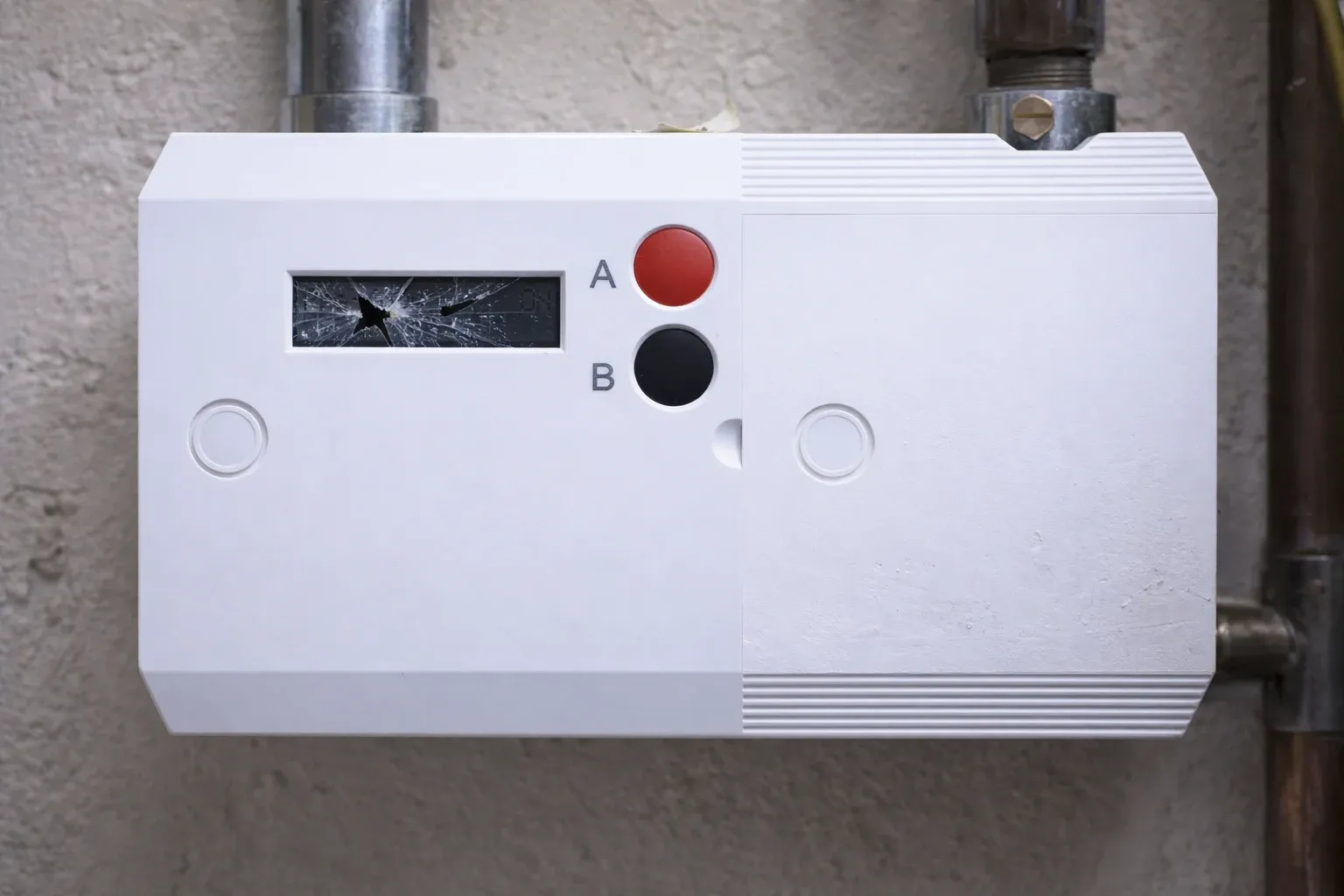
Understanding your smart meter can help you stay in control of your energy usage and bills. This guide explains common smart meter problems, what causes them, and how to fix them so your billing stays accurate.
Take the stress out of meter readings and billing for good. With Fuse Energy, you can choose between typing in your meter reading or taking a photo of it in our app if you don’t have a connected smart meter and we’ll handle the rest. Get clear bills, real-time half-hourly usage data, 24/7 human customer support, and a modern energy experience designed around you. Click here to switch to Fuse Energy today in as little as 3 minutes, save annually on your bills, and see how simple energy can be.
A quick checklist for fixing smart meter problems
- Look for error messages on your meter.
- Ensure your meter display turns on.
- Check for power cuts in your area.
- Confirm your meter is still sending readings.
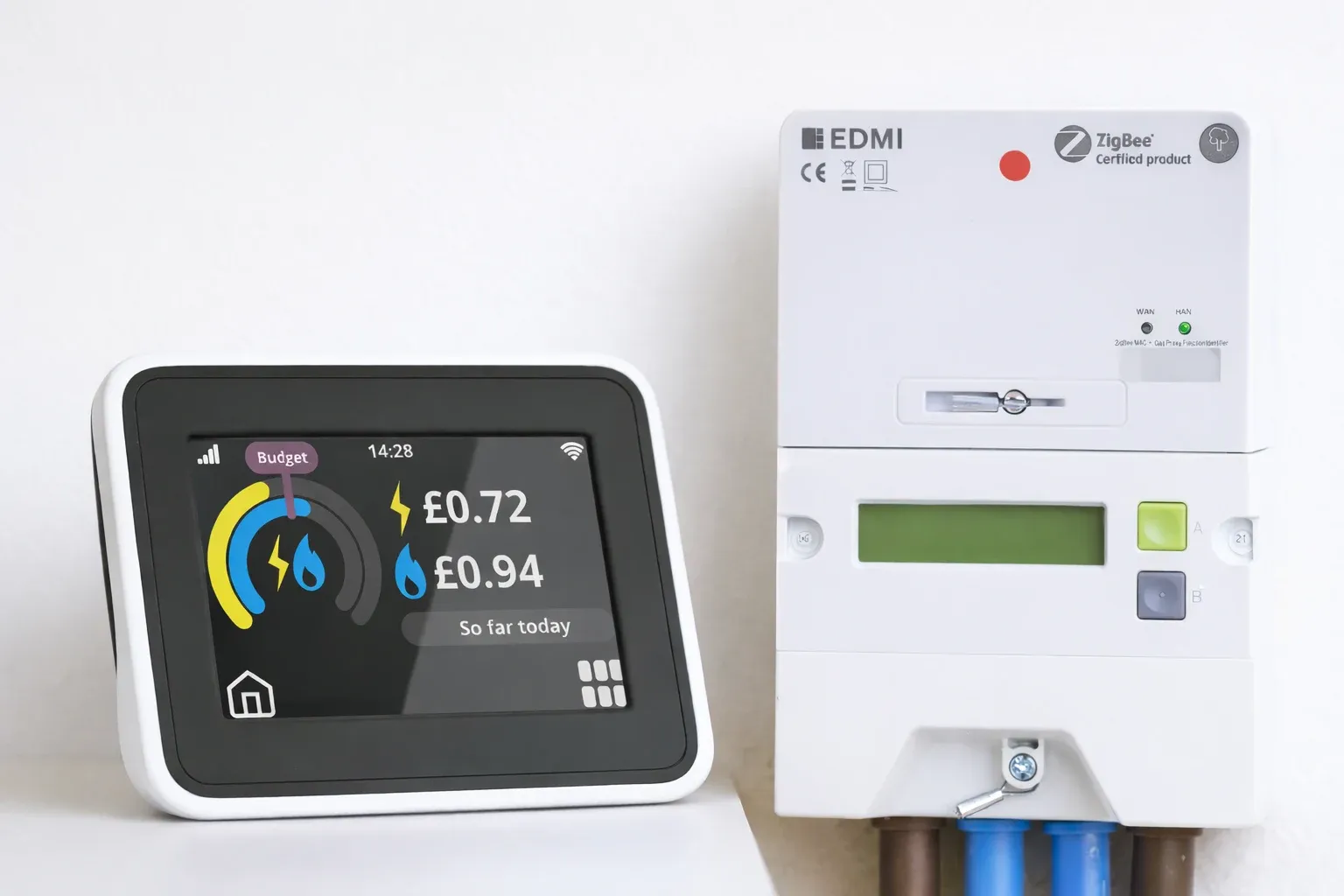
In many cases, the issue is not the smart meter itself but the IHD and many bill-payers get confused between the two. Below, on the left is an IHD, whereas on the right is an electricity smart meter. An IHD is a small display kept indoors that shows your energy usage, while a smart meter refers to the electricity or gas meter that records and sends readings to your supplier. If your IHD is blank or not updating, your meter may still be working and sending readings correctly.
Smart meter issues are usually related to communication rather than the meter itself. In some cases, the connection to your supplier is interrupted. In others, older meters, especially SMETS1, may lose functionality after switching supplier and require manual readings.
These issues can result in estimated bills if readings are not being received automatically.
Smart meters rely on network connectivity to send readings. If that connection is interrupted, your meter may stop communicating.
This can happen due to:
- Temporary network issues.
- Power cuts.
- Meter compatibility issues after switching.
- A faulty meter.
In many cases, the issue resolves itself once the connection is restored.
Before assuming a fault, check if there is a power cut in your area. A power outage will stop both your smart meter and display from working. Smart meters may also rely on mobile network signals depending on meter type and install. If there are local network issues, your meter may temporarily stop sending readings. Once power or connectivity is restored, the meter should reconnect automatically.
If your smart meter is not sending readings, you may need to submit them manually to keep your bills accurate. Fuse Energy allows you to submit readings easily through the app, including uploading a photo for convenience. This ensures your billing reflects your actual usage.
Some tariffs require a fully connected smart meter. EV tariffs and time-of-use tariffs rely on real-time usage data, so your meter must be online to access them. If your meter isn’t connected, you may need to resolve the issue or upgrade before switching to these tariffs.
Managing your energy shouldn’t feel like a hassle. With Fuse Energy, you get real-time, half-hourly usage data in the app and website if you have a connected smart meter, helping you stay in control of your energy usage. Our 24/7 human support team is always on hand with fast response times of under 5 minutes whenever you need help. Click here to switch to Fuse Energy in as little as 3 minutes and find out about our mission by clicking here.