Smart meter monitoring for better energy control
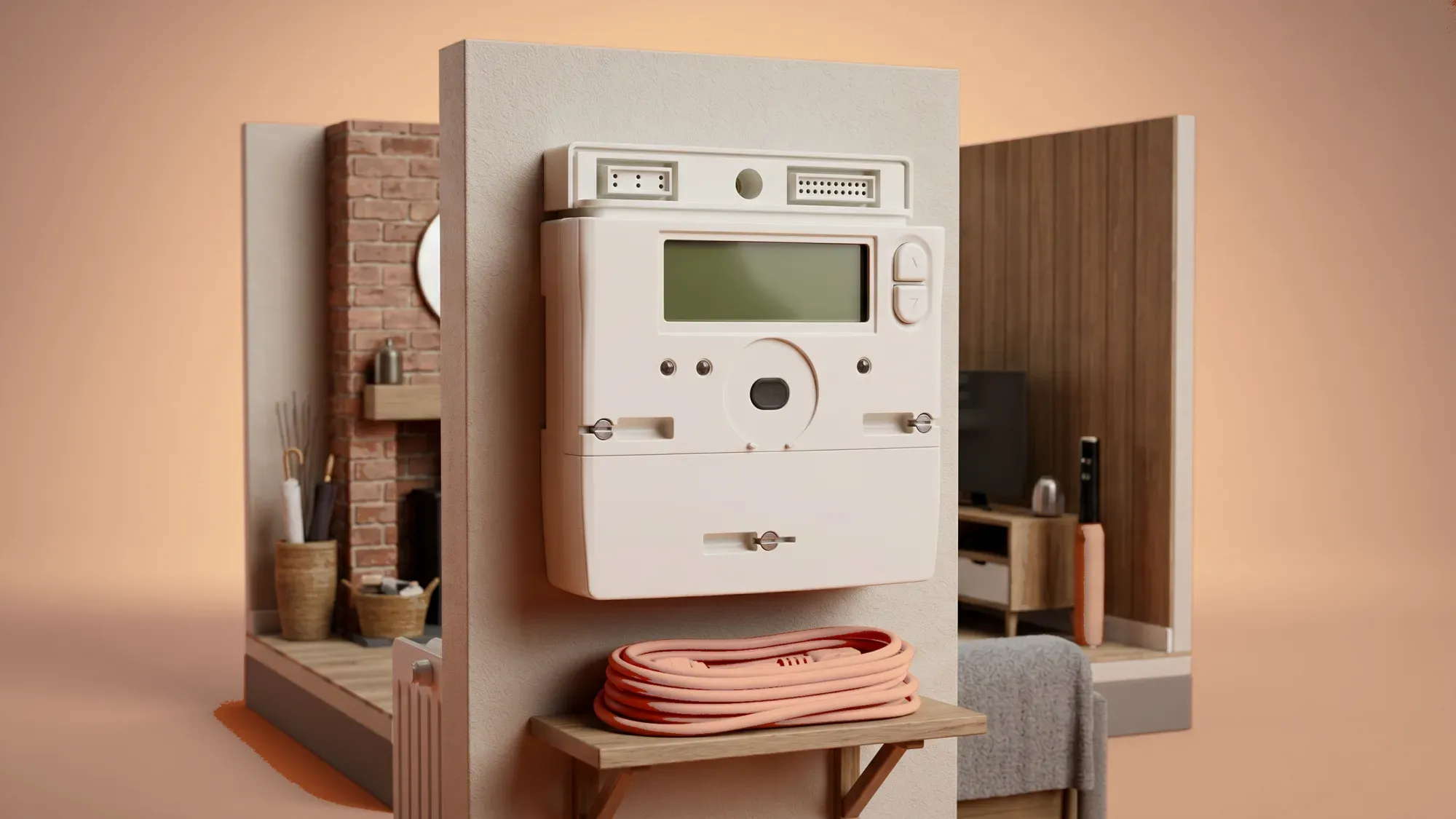
Smart meters are now a common feature in UK homes, offering a way to understand and manage your energy usage. Beyond the basic In-Home Display (IHD), various tools can provide deeper insights and greater control over your home's energy consumption.
To truly gain control over your energy usage, a smart meter monitor is a powerful tool. Fuse Energy's app integrates directly with your smart meter, offering detailed insights and helping you make informed decisions about your energy consumption. Start your journey towards smarter energy management today by switching to Fuse Energy here.
Enter your address to get a quote and see how much you could save
What is a smart meter monitor?
A smart meter monitor, most commonly known as an In-Home Display (IHD), is a device designed to give you real-time feedback on your energy consumption.
Your In-Home Display (IHD) explained
Your IHD is a small, portable screen that communicates wirelessly with your smart meter, showing how much gas and electricity you are using and what it is costing you in pounds and pence. It is separate from the smart meter itself, which is typically fixed to your property's gas pipes or main electricity supply. IHDs are usually provided free of charge when your smart meter is installed, though their availability and delivery are not guaranteed.
How smart meters and monitors work together
Smart meters are digital devices that automatically record your gas and electricity consumption. Unlike traditional meters that require manual readings, smart meters send this data directly to your energy supplier over a secure national network, often every 30 minutes. Your IHD then receives this information from your smart meter, translating complex usage data into an easy-to-understand format. This near real-time flow of information empowers you to see the impact of your energy choices as they happen.
Benefits of monitoring your energy usage
Monitoring your energy usage goes beyond just seeing numbers; it is about gaining a clearer picture of your home's energy habits.
Real-time insights into consumption
The primary benefit of a smart meter monitor is the immediate visibility it provides into your energy consumption. You can see how much energy you are using at any given moment, helping you understand which appliances consume the most power. This real-time feedback can be a powerful motivator for making small changes that add up to significant savings.
Identifying energy-saving opportunities
By observing your energy patterns on your IHD or an app, you can pinpoint times of high usage or identify energy-hungry appliances. For instance, you might notice a spike in electricity use when a particular appliance is switched on, or during certain hours of the day. This data allows you to make informed decisions, such as adjusting heating schedules, using appliances during off-peak times, or upgrading less efficient devices. The average UK home uses around 2,500 kilowatt-hours (kWh) of electricity per year, according to Ofgem's medium Typical Domestic Consumption Values (TDCVs) effective from 1 July 2026, making every saving opportunity valuable.
Limitations of standard In-Home displays
While IHDs are a valuable tool, they do have their limitations.
Why your IHD might not be enough
Many users find that the initial novelty of their IHD wears off, leading them to ignore the device and miss opportunities for savings. The standard IHD provides a snapshot of current usage, but often lacks the detailed historical data, trend analysis, or customisable insights that can drive deeper energy management. It is important to remember that the IHD is not the only tool available for monitoring smart meter data.
Understanding common IHD issues
IHDs can sometimes experience connectivity issues or stop displaying data correctly. If your IHD is not working, it does not necessarily mean your smart meter is faulty. Often, moving the IHD closer to the meter can resolve the problem, as weak Home Area Network (HAN) signal, distance from the meter, or obstructions can affect IHD performance.
Can I buy a separate smart meter monitor?
While your energy supplier provides an In-Home Display (IHD) with your smart meter, some third-party apps and devices offer similar or enhanced monitoring capabilities. These can provide more detailed insights or integrate with other smart home systems, offering alternatives if your IHD is lost, broken, or simply does not meet your needs.
Beyond the basic: advanced energy monitoring options
To truly take control of your energy, exploring options beyond the standard IHD is crucial.
Energy supplier apps: your smart meter's full potential
Many digital-first energy suppliers offer sophisticated apps that unlock your smart meter's full potential. These apps often provide detailed breakdowns of energy usage, historical data, and cost projections, going far beyond what a basic IHD can offer. They can help you track your energy consumption over days, weeks, months, or even years, allowing you to identify long-term trends and the effectiveness of any changes you make. This granular data empowers you to make more informed decisions about how and when you use energy.
Addressing the RTS meter switch-off
The Radio Teleswitch Service (RTS) is an older system that uses radio signals to control off-peak electricity tariffs and heating systems. This service is being switched off in an industry-wide phase-out that began on 30 June 2025, regulated by Ofgem. If you have an RTS meter, your energy supplier should have contacted you to arrange a free upgrade to a smart meter. This replacement is essential to avoid disruption to your heating and hot water supply and to ensure you continue to be billed accurately.
Maximising your energy control
Making the most of your smart meter data involves a proactive approach to understanding and managing your consumption.
Using data to make smarter decisions
The process begins with understanding the basic functions of your IHD or energy app. Regularly review your energy consumption patterns to identify high-usage appliances or times of day. Use this information to target areas for efficiency improvements, such as adjusting your thermostat, running washing machines during off-peak hours, or unplugging devices when not in use. By implementing changes based on data, you can actively reduce your consumption and costs.
Managing your energy bills should be clear and easy to understand. Fuse Energy focuses on straightforward pricing, so you can see exactly what you are paying without unnecessary complexity. If you have a smart meter, you can view detailed usage data through the app or website, helping you understand how you can lower your bills. If you do not have a smart meter, Fuse Energy can upgrade your non-smart meter, completely for free. This can make it easier to track spending and make informed decisions about your energy use. Our 24/7 human support team is always on hand with fast response times whenever you need help. Click here to switch to Fuse Energy today. Find out about our mission by clicking here.
Disclaimer
For the avoidance of doubt, this article is provided for informational purposes only and is not intended to constitute legal or financial advice. The author and/or Fuse Energy shall not be responsible for any losses arising out of any reliance on the information contained herein.