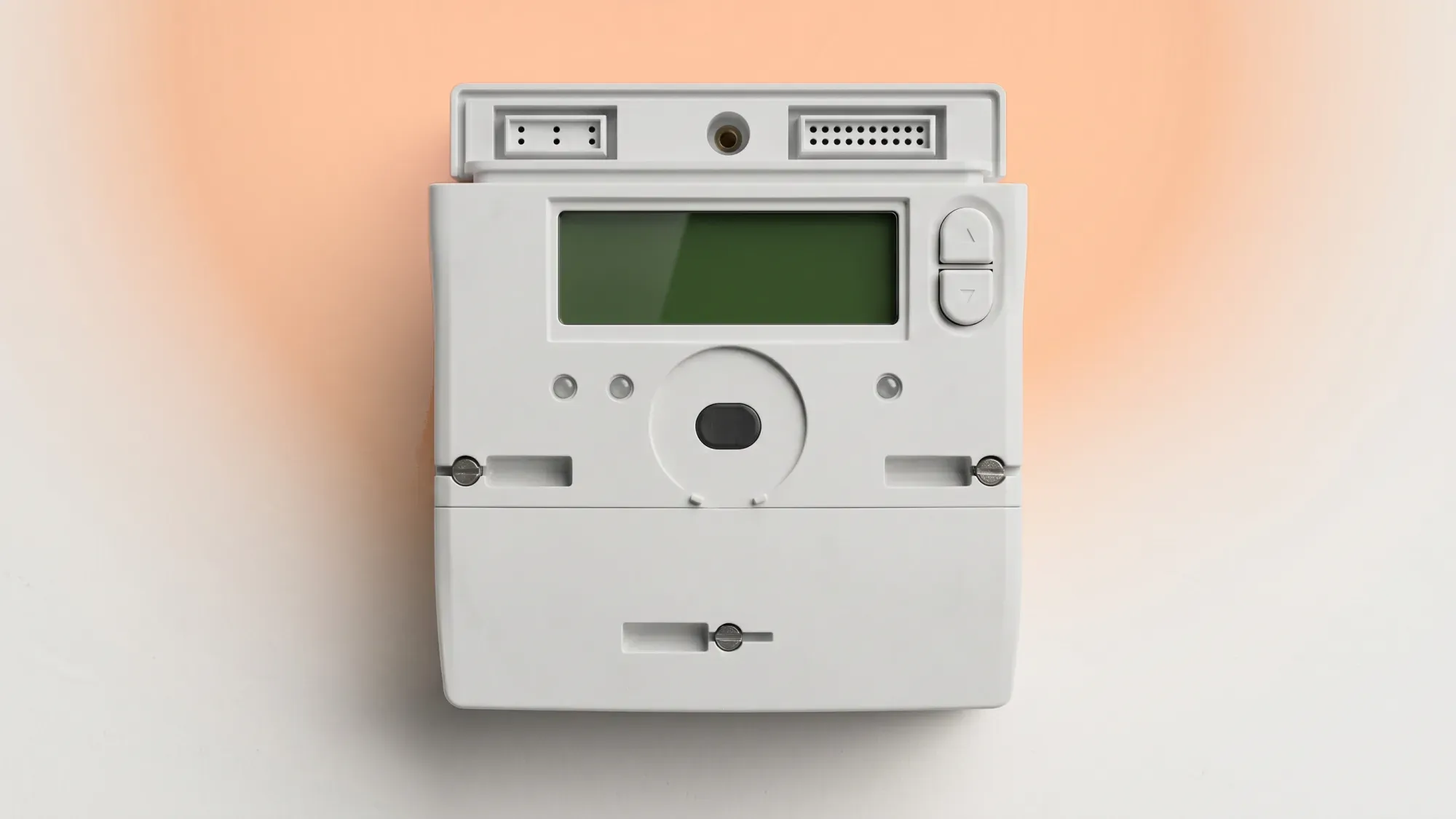
A non-functional smart meter display can be frustrating, as it leaves you without real-time information on your energy usage and costs. Most display issues are simple to resolve, often stemming from power, signal, or temporary glitches rather than a fault with the smart meter itself. This guide provides clear, actionable steps to troubleshoot your In-Home Display (IHD) and restore your energy monitoring.
If your smart meter display is giving you trouble, Fuse Energy offers clear guidance and 24/7 human support to help you get back on track. We aim to make managing your energy simple and transparent. Click here to see how easy it is to switch to Fuse Energy.
What an In-Home Display (IHD) does
An In-Home Display (IHD) is a portable device that connects wirelessly to your smart meter, providing real-time information about your energy consumption and its cost. It helps you track how much electricity and gas you are using, allowing you to make informed decisions about your energy habits.
Display versus smart meter: key differences
It is crucial to distinguish between your IHD and your smart meter. Your smart meter is the device installed by your energy supplier that measures your energy consumption and automatically sends readings to them. The IHD is a separate device that simply visualises this data for you. A problem with your IHD, such as a blank screen or a smart meter monitor not working, does not mean your smart meter itself is faulty or that your energy supplier is not receiving your readings. IHDs display indicative usage only; billing always relies on meter data.
Several factors can cause your smart meter display to stop working. Understanding these common reasons can help you troubleshoot effectively.
Power issues
The most frequent cause of an IHD not working is a power problem. This could be anything from flat batteries, a loose power cable, or the device simply being unplugged. Many IHDs run on rechargeable batteries or mains power, so checking the power source is always the first step.
Connectivity problems
IHDs typically connect wirelessly to your smart meter via a Home Area Network (HAN). Signal interference, distance from the smart meter, or physical obstructions can disrupt this connection, leading to a blank screen or a 'smart meter warning' message. If your smart meter display is not connecting, it might be out of range. HAN connectivity affects device displays, not billing accuracy.
Temporary glitches and software updates
Like any electronic device, IHDs can experience temporary software glitches. Sometimes, a simple restart can resolve these. Energy suppliers also occasionally push software updates to smart meters and IHDs, which can temporarily affect functionality. This might manifest as a warning from your supplier.
Before contacting your energy supplier, try these basic troubleshooting steps to get your smart meter display back online.
Check the power supply and batteries
First, ensure your IHD is properly plugged into a working socket if it uses mains power. If it is battery-powered or rechargeable, check if the batteries are flat or need recharging. Replace disposable batteries if necessary. A loose connection can also cause a smart meter display not working issue.
Restart your In-Home Display
A simple restart can often fix temporary glitches. Unplug the IHD from the mains (or remove its batteries), wait for about 30 seconds, then plug it back in (or reinsert the batteries). Allow a few minutes for the device to power up and attempt to reconnect to your smart meter.
Reposition for better signal
If your IHD is showing a 'smart meter warning' about connectivity, try moving it closer to your electricity smart meter. Walls, large appliances, and other electronic devices can interfere with the wireless signal. Aim for a clear line of sight, if possible, and avoid placing it in cupboards or behind thick walls.
Re-pair your IHD with your smart meter
Some IHDs allow you to manually re-pair them with your smart meter. The process varies by model, so consult your IHD's manual or your energy supplier's website for specific instructions. This step can resolve persistent 'smart meter not working' or 'smart meter IHD is not connecting' problems.
Gas smart meters have unique considerations, especially regarding their power source.
What a gas smart meter low battery warning means
Unlike electricity meters, gas smart meters are battery-powered, not connected to the mains. A 'low battery' warning on your gas smart meter display indicates that the meter's internal battery is running low. While this does not immediately cut off your gas supply, it is a critical alert.
Actioning a dead SMETS1 gas meter battery
A fully depleted battery in an older SMETS1 gas meter will cause the gas supply to cut off. This is due to an internal safety valve that closes automatically once the battery dies, a deliberate safety mechanism. If this happens, the entire gas meter will need to be exchanged by your energy supplier; the battery cannot be replaced. You will have no gas until the meter is swapped.
Interpreting other warning messages
Different IHDs and suppliers may display various warning messages. These can range from messages indicating commissioning status (whether the meter has been set up on the network) to 'billing error' (which usually relates to data transmission, not the meter itself). A meter that is 'Installed Not Commissioned' (I) is installed but not yet set up on the DCC network, meaning it cannot receive remote reads. If you see a warning you do not understand, make a note of the exact message before contacting your supplier.
If you have tried the troubleshooting steps and your smart meter display is still not working, it is time to contact your energy supplier.
When self-troubleshooting fails
Your energy supplier is responsible for the smart meter itself and its connection to your IHD. If you have tried the troubleshooting steps and your smart meter display is still not working, there might be an underlying issue that requires their intervention. They can often diagnose the problem remotely or arrange for an engineer visit.
Requesting an IHD replacement
Energy suppliers are often responsible for replacing faulty IHDs, though conditions may apply. If your display is genuinely broken or cannot maintain a connection, you can request a replacement. Be prepared to explain the troubleshooting steps you have already taken. Some suppliers may offer a free replacement for your smart meter display if it is deemed faulty.
Understanding your rights
As a consumer, you have rights regarding your smart meter and IHD. If you are experiencing persistent issues or believe your supplier is not addressing the problem adequately, you can seek advice from organisations like Citizens Advice. They can provide guidance on your options, including how to escalate a complaint.
At Fuse Energy, we understand the importance of clear energy monitoring. While we do not manufacture or directly service In-Home Displays, we provide comprehensive support and guidance for our customers experiencing IHD issues.
Leveraging the Fuse app for insights
Even if your IHD is not working, the Fuse app can provide additional insights into your energy usage. The Fuse app can act as a remote IHD for customers with a smart meter. Our app offers a direct channel to support for IHD issues, empowering you with more control and transparency over your energy consumption. You can track your usage, view your bills, and manage your account all from your smartphone.
24/7 human support for peace of mind
For those times when self-troubleshooting is not enough, Fuse Energy offers 24/7 human customer support. Our team is ready to assist you, providing a reliable fallback for IHD issues that cannot be resolved through self-service. We provide clear, data-backed troubleshooting steps to help you maintain transparent energy monitoring and ensure your peace of mind.
Managing your energy bills should be clear and easy to understand. Fuse Energy focuses on straightforward pricing, so you can see exactly what you are paying without unnecessary complexity. If you have a smart meter, you can view detailed usage data through the app or website, helping you understand how you can lower your bills. Our 24/7 human support team is always on hand with fast response times whenever you need help. Click here to switch to Fuse Energy today. Find out about our mission by clicking here.