MySmartE app: managing prepayment energy
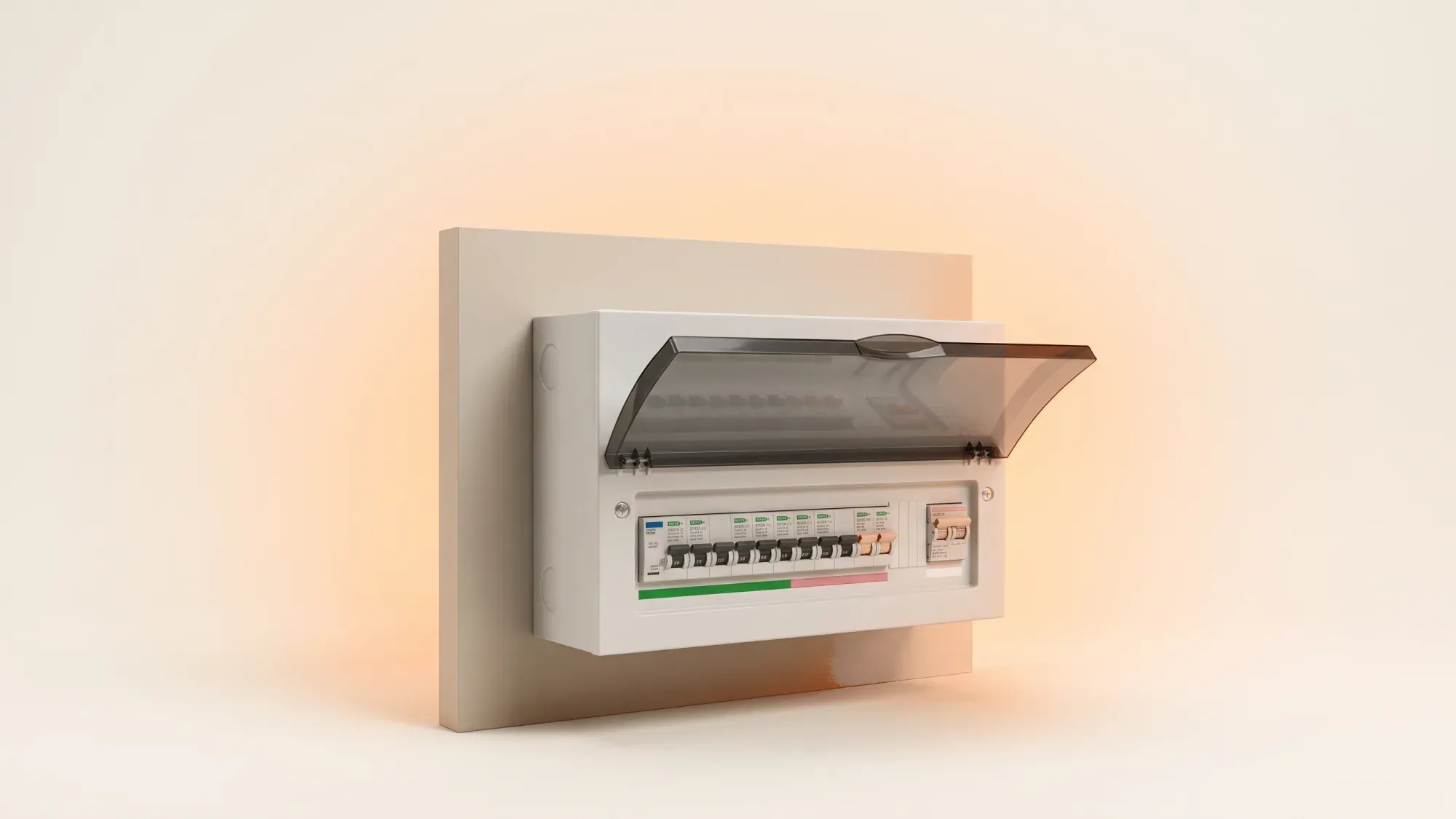
MySmartE is an energy management application primarily associated with E Energy, designed to help customers manage their prepayment energy accounts. This app allows users to monitor their energy usage, check their balance, and top up their smart meters directly from their mobile devices. Understanding how to use such tools effectively can significantly enhance control over household energy consumption and costs.
Just like the MySmartE app helps you manage your prepayment energy, Fuse Energy offers a modern approach to home energy. We provide clear pricing, real-time usage data, and 24/7 human customer support, making it simple to take control of your energy bills. Click here to switch to Fuse Energy today.
Enter your address to get a quote and see how much you could save
What is the MySmartE app?
The MySmartE app serves as a digital portal for E Energy customers, particularly those with prepayment meters, to oversee their energy supply. It streamlines the process of managing gas and electricity accounts, aiming to provide convenience and real-time information.
Purpose and key features
The primary purpose of the MySmartE app is to simplify prepayment energy management. Key features typically include the ability to check your current energy balance, view your usage history, and top up your smart meter with gas or electricity credit. This functionality helps users avoid running out of energy and provides a clear overview of their spending. The app aims to make managing your energy account straightforward, moving beyond traditional methods.
Who uses MySmartE?
MySmartE is specifically designed for customers of E Energy, a UK energy supplier. If you are an E Energy customer with a smart meter, particularly a prepayment smart meter, this app is your main tool for managing your account. Users often search for 'e energy' when looking for their supplier's digital tools, and for E Energy customers, MySmartE is the relevant application.
Managing your prepayment energy account
For prepayment customers, keeping track of energy usage and topping up credit is essential. Apps like MySmartE provide the tools to manage these tasks efficiently, helping you stay in control of your energy budget.
Topping up your smart meter
One of the most crucial features of the MySmartE app is the ability to top up your smart meter. This typically involves selecting the amount of credit you wish to add for either gas or electricity, and then making a payment through the app. This digital smart meter top up functionality means you can add credit anytime, anywhere, without needing to visit a shop. This is particularly useful for those who need to top up their smart meter quickly to maintain their supply.
Tracking usage and balance
The app provides a clear overview of your energy consumption. You can usually see how much gas and electricity you have used over various periods, such as daily, weekly, or monthly. This detailed usage data, combined with your current balance, helps you understand your spending patterns and manage your budget more effectively. Monitoring your balance ensures you know when to top up, preventing unexpected interruptions to your supply.
Beyond MySmartE: broader smart energy optimisation
While apps like MySmartE are excellent for managing specific accounts, a wider approach to smart energy optimisation can unlock even greater savings and control. Understanding your smart meter data and leveraging smart home technologies can transform how you interact with your energy.
Understanding your smart meter data
Smart meters automatically send readings to your energy supplier, providing accurate billing and detailed insights into your energy consumption. This data is invaluable for understanding when and how you use energy, allowing you to identify areas where you could reduce consumption. For example, you might notice peak usage times that could be shifted to off-peak hours if you have a time-of-use tariff.
What is a smart meter?
A smart meter is a next-generation gas or electricity meter that digitally sends readings to your energy supplier. This eliminates the need for manual meter readings and provides you with accurate, near real-time data on your energy consumption, helping you understand and manage your usage more effectively.
Strategies for reducing energy consumption
Optimising your energy use goes beyond simply topping up your meter. By analysing the data from your smart meter, you can develop strategies to reduce your overall consumption. The average UK home uses around 2,500 kWh of electricity and 9,500 kWh of gas per year, according to Ofgem's medium typical domestic consumption values, effective from 1 July 2026^[1,2]. Understanding your own usage against these averages can highlight opportunities for improvement. Simple changes, such as switching off lights in empty rooms, unplugging devices, or adjusting your thermostat by a degree or two, can collectively lead to significant savings.
Leveraging smart home technology
Integrating smart home technologies can further enhance your energy optimisation efforts. Smart thermostats, for instance, learn your preferences and can be controlled remotely, ensuring you only heat your home when necessary. Smart plugs can turn off appliances completely when not in use, eliminating standby power drain. These technologies, when combined with insights from your smart meter data, offer a powerful way to manage and reduce your energy footprint.
Choosing the right energy management tools
Selecting the right tools is crucial for effective energy management. Whether you're looking for a simple 'e energy login' or a more comprehensive system, consider what features will best serve your household's needs.
What to look for in an energy app
When choosing an energy app, look for features that offer transparency and control. This includes clear displays of your energy usage, easy access to your account balance, and straightforward topping-up processes if you're a prepayment customer. Apps that provide personalised insights and tips for reducing consumption can also be highly beneficial. Ensure the app is compatible with your smart meter and your energy supplier.
The future of personal energy management
The landscape of energy management is continuously evolving, with a growing emphasis on empowering users with data and control. Moving beyond basic account tasks, the future involves proactive optimisation, where users can leverage detailed insights and smart technologies to manage their energy systems comprehensively. This shift helps users understand and control their personal energy usage, aligning with a future of abundant and efficiently managed energy.
While the MySmartE app helps E Energy customers, Fuse Energy offers a fresh approach to managing your home's energy. We believe in making energy simple, transparent, and rewarding. With Fuse, you get clear pricing, real-time usage data through our app, and 24/7 human support whenever you need it. Switching is quick and easy, helping you take charge of your energy consumption. Discover a smarter way to power your home. Click here to switch to Fuse Energy today, or learn more about our mission here.
References
Disclaimer
For the avoidance of doubt, this article is provided for informational purposes only and is not intended to constitute legal or financial advice. The author and/or Fuse Energy shall not be responsible for any losses arising out of any reliance on the information contained herein.