Meter reading: how to read and submit yours
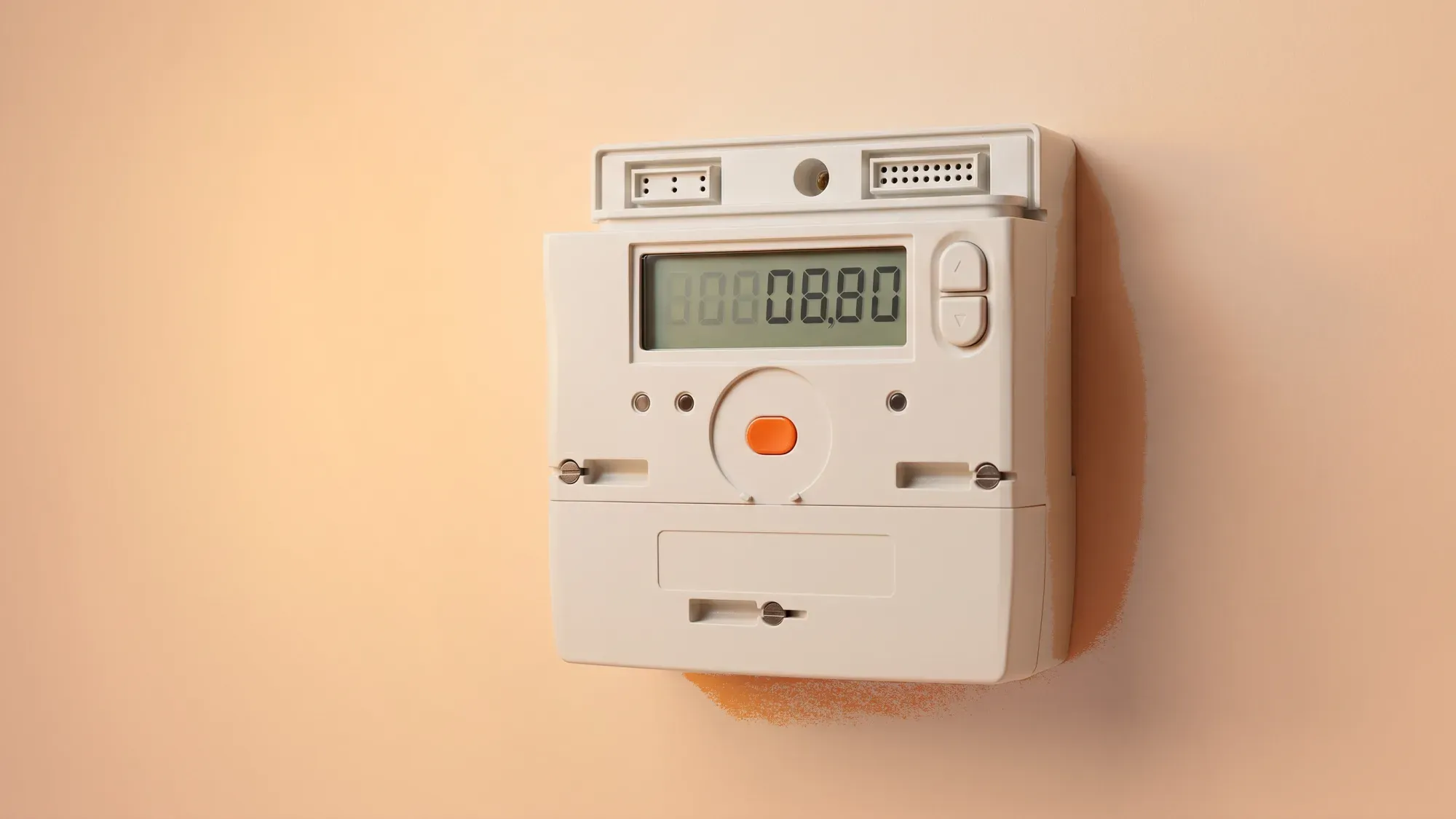
Submitting your meter reading accurately is a simple yet powerful way to take control of your energy bills and understand your consumption. It ensures you pay for the energy you actually use, avoiding the guesswork of estimated bills.
Managing your energy should be effortless. Fuse Energy's digital-first approach simplifies meter reading submission, helping you take control of your billing accuracy and energy management. Click here to switch to Fuse Energy today.
Enter your address to get a quote and see how much you could save
Why accurate meter readings matter
Accurate meter readings are fundamental to transparent energy billing and effective household budgeting.
Avoiding estimated bills
When your energy supplier lacks an actual meter reading, they resort to estimating your energy usage based on your past consumption. These estimated bills often fail to reflect your true energy use, potentially leading to overpayments or unexpected catch-up bills later on. Submitting regular, accurate meter readings ensures you are billed precisely for the energy you consume, preventing these unwelcome surprises.
Understanding your energy usage
Regularly checking your meter provides valuable insight into your energy consumption patterns. This understanding empowers you to identify areas where you might reduce usage, track the impact of energy-saving efforts, and ultimately manage your household budget more effectively. For context, the average UK home uses around 2,700 kilowatt-hours (kWh) of electricity per year, highlighting the importance of monitoring your own usage against typical figures to spot anomalies or opportunities for savings.
Types of energy meters and how to read them
Identifying your meter type is the first step to an accurate reading. Here's how to read the most common types.
Digital meters
Digital meters typically feature an electronic display showing numbers.
- Single-rate digital meters: Look for five numbers in black or white, often followed by one or more red numbers. Record only the first five numbers from left to right, ignoring any red digits or those after a decimal point.
- Two-rate digital meters: If you have an Economy 7 or similar tariff, your meter will show two rows of numbers (e.g., 'low' or 'night' and 'normal' or 'day'). You'll need to record both readings. Some digital meters require you to press a button to cycle between the rates.
Dial meters
Dial meters resemble a series of small clocks.
- Reading the dials: Read the dials from left to right, ignoring any red dials or those marked '1/10'.
- Pointer position: If a pointer is between two numbers, always record the lower number. If it's between 9 and 0, write down 9. If the pointer is directly on a number, make a note of it, but check the next dial to the right. If that next dial's pointer is between 9 and 0, reduce the number you initially wrote down by one.
Smart meters
Smart meters are designed to send readings automatically to your supplier. However, knowing how to read them manually can be useful for verification or if the smart meter is temporarily offline.
- Electricity smart meters: Many have an 'A' or 'display' button. Press it a few times until you see numbers followed by "kWh" or 'Total Act Import'. If you have a two-rate tariff, you might need to press the button further to find 'Rate 2' or 'TOU Rate 2'.
- Gas smart meters: These often have a button (sometimes red or labelled 'A') to wake up the display. Press it until you see a number followed by 'm³'. Ignore any numbers after the decimal point.
Step-by-step: submitting your meter reading
Once you have your reading, submitting it is usually straightforward.
Via your energy supplier's app or online account
Most energy suppliers, including Fuse Energy, offer convenient digital channels for submitting readings:
- Log in: Access your account through your supplier's mobile app or website. For Fuse customers, this is typically done using your registered phone number or email.
- Navigate: Look for a section like "Submit a meter reading," "My meter," or "Readings."
- Enter reading: Carefully input the numbers you recorded from your meter. Ensure you select the correct meter (electricity or gas) and, if applicable, the correct rate (day/night).
- Confirm: Review your submission for accuracy before confirming. You'll usually receive a confirmation that your reading has been received.
What to do if you don't have online access
If you prefer not to use online services or don't have internet access, alternative methods are available:
- Phone: Most suppliers provide a dedicated phone line for meter readings. You can usually find this number on your energy bill or their website.
- Post: Some suppliers still accept meter readings via post, often using a pre-printed card. Check your supplier's website or a recent bill for details.
Smart meters: the future of readings
Smart meters represent a significant leap forward in energy management, offering automated readings and greater insight into consumption.
Automated readings and their benefits
Smart meters automatically send your energy readings directly to your supplier, eliminating the need for manual submissions. This automation ensures your bills are always based on actual usage, removing the risk of estimated bills. Beyond accurate billing, smart meters provide:
- Real-time data: Many smart meters come with an in-home display (IHD) that shows your energy consumption in near real-time, helping you understand and adjust your usage.
- Tariff optimisation: They enable access to smart tariffs, such as those with cheaper off-peak rates, allowing you to save money by shifting energy-intensive activities.
- Environmental impact: By providing detailed usage data, smart meters can help you identify ways to reduce your energy consumption, contributing to a lower carbon footprint.
What if your smart meter is offline?
While smart meters are generally reliable, they can occasionally go offline, meaning they temporarily stop sending automated readings.
- Check connectivity: First, check your in-home display (IHD) or the meter itself for any error messages or indicators of connectivity issues.
- Contact supplier: If your smart meter remains offline for an extended period, contact your energy supplier. They can often diagnose the problem remotely or arrange for an engineer visit. In the meantime, you may need to submit manual readings to avoid estimated bills.
Addressing common meter reading issues
Encountering issues with your meter or readings can be frustrating, but solutions are available.
Dealing with faulty meters
If you suspect your meter is faulty, leading to incorrect readings or billing, it's crucial to act promptly.
- Contact your supplier: Report the issue to your energy supplier immediately. They are responsible for ensuring your meter is accurate and safe.
- Request a test: You can request that your supplier test the meter for accuracy. If it's found to be faulty, they should repair or replace it.
- Back-billing protection: Ofgem rules protect consumers from being back-billed for energy used more than 12 months ago if the supplier is at fault for not billing correctly.
The radio teleswitch service (RTS) phase-out
The Radio Teleswitch Service (RTS) is a legacy technology used by some older meters to switch between peak and off-peak rates. This service is being phased out, with the signal switch-off beginning on 30 June 2025.
What is RTS?
RTS used longwave radio signals to control older electricity meters, enabling them to switch between peak and off-peak tariffs. Introduced in the 1980s, this technology is now obsolete, and its infrastructure can no longer be adequately maintained, leading to its industry-wide phase-out.
If you have an RTS meter, your current energy supplier should have contacted you to arrange a free upgrade to a smart meter. It's essential to get this replacement done to avoid potential disruption to your heating or hot water supply once the RTS signal is fully switched off. Fuse Energy does not install or upgrade RTS meters directly; this is handled by your current supplier. Once your meter has been upgraded to a smart meter, you can then switch to a modern energy supplier like Fuse.
Fuse Energy empowers you to take control of your energy. By making meter reading simple and transparent, we help you manage your usage and avoid estimated bills, aligning with our vision of 'power to play with'. Switching to Fuse is quick and easy, allowing you to benefit from clear pricing and real-time usage data. Click here to switch to Fuse Energy today.
Frequently asked questions
It's generally recommended to submit a meter reading at least once a month, ideally around the same time each month, to ensure accurate billing. Energy bills are typically issued on the second working day of each month by energy suppliers. Submitting your reading shortly before this date can help ensure your bill reflects your most recent usage.
If you miss submitting a reading, your energy supplier will likely issue an estimated bill. While these estimates are based on your previous usage, they can be inaccurate. If you consistently miss readings, you might build up a credit or debit balance that needs to be settled later. It's always best to provide actual readings to keep your account accurate.
Some energy suppliers allow you to submit a photo of your meter reading through their app or online portal. This can help verify the reading and reduce the chance of errors. Check with your specific supplier to see if this option is available.
Fuse Energy simplifies meter reading management through its digital-first app. For customers with smart meters, readings are sent automatically, ensuring accurate bills without any effort. If you have a traditional meter, the Fuse app provides a clear and easy way to submit your readings, putting control over your energy costs directly in your hands. Fuse also offers 24/7 human customer support for any complex meter reading issues, ensuring you're never left without assistance.
Disclaimer
For the avoidance of doubt, this article is provided for informational purposes only and is not intended to constitute legal or financial advice. The author and/or Fuse Energy shall not be responsible for any losses arising out of any reliance on the information contained herein.