How much electricity does a TV use? Around 2p per hour
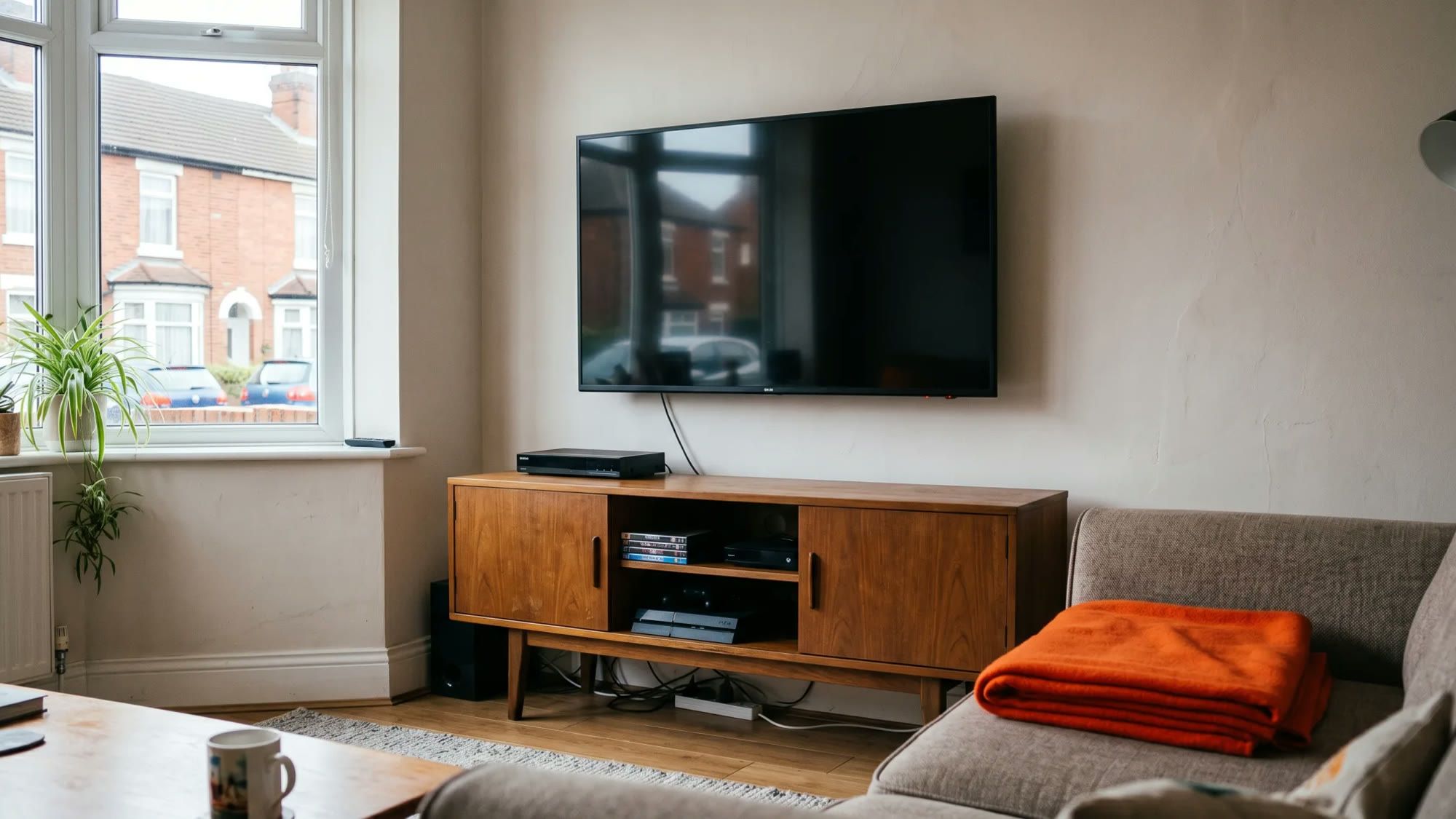
Understanding how much electricity your television consumes can help you manage household budgets and energy use more effectively. A modern 50-inch LED TV, for example, might cost around 2p per hour to run when in use, based on a typical consumption of 70 watts and the UK electricity unit rate of 26.11p per kilowatt-hour (kWh) under the Ofgem Price Cap from 1 July 2026. This insight into appliance usage empowers you to make informed decisions about your energy, giving you more control over your home's consumption.
Managing your home's energy use, including understanding appliance costs, is simpler when you have clear information. Fuse Energy provides transparent pricing and in-app usage data to help you track and control your electricity consumption. Click here to switch to Fuse Energy today.
Enter your address to get a quote and see how much you could save
Understanding TV electricity consumption
Televisions convert electrical energy into the light and sound you enjoy. While modern TVs are significantly more energy-efficient than older models, the amount of power they draw still varies. Knowing this consumption helps you understand its contribution to your overall electricity bill.
How TVs use power
Every time you switch on your TV, it draws electricity from the grid to power its screen, speakers, and internal components. The amount of power used (measured in watts) depends on several factors, including the screen technology, size, and your chosen settings. This wattage, combined with how long the TV is on, determines its electricity consumption in kilowatt-hours (kWh).
Why consumption matters for your bill
Your electricity bill is calculated based on the total kWh of electricity you use, multiplied by your supplier's unit rate. In the UK, the average cost of electricity for a typical household on a Standard Variable Tariff, paying by Direct Debit, is 26.11p per kWh under the Ofgem Price Cap from 1 July 2026. While a single TV's consumption might seem small, it adds up over hours of viewing and across multiple devices in your home. Understanding this direct link between usage and cost is key to managing your household energy expenditure. For more details on how your energy bills are calculated, you might find our guide on how Direct Debit works helpful.
Key factors affecting TV energy use
Not all televisions are created equal when it comes to energy consumption. Several factors play a significant role in how much electricity your TV uses.
Screen size and technology
Generally, larger screens require more power to illuminate. The type of display technology also makes a difference:
- LED (light emitting diode): These are generally very energy-efficient, using backlights to illuminate the screen. A typical 50-inch LED TV might use between 70 and 120 watts when active.
- OLED (organic light emitting diode): OLED TVs offer superior picture quality but can consume more power than LED models, especially when displaying bright images.
- QLED (quantum dot LED): These are a variation of LED technology, often with improved brightness and colour, and their energy consumption is typically similar to or slightly higher than standard LEDs.
- Plasma (older technology): Plasma TVs are significantly less efficient than modern LED or OLED screens and consume considerably more electricity.
Higher resolutions like 4K and 8K can also increase power draw, as more pixels need to be illuminated.
Usage habits and settings
How you use your TV directly impacts its energy consumption. Leaving the TV on for extended periods, especially if you are not actively watching it, will increase your bill. Picture settings also play a role:
- Brightness: A brighter screen uses more electricity. Reducing brightness, especially in a dark room, can save energy.
- Contrast and picture modes: Dynamic or vivid picture modes often increase power consumption compared to standard or eco modes.
- Volume: While less impactful than screen settings, higher volume levels can slightly increase power use.
Age of the TV
Older televisions, particularly those manufactured over a decade ago, are far less energy-efficient than newer models. Advances in display technology and energy-saving features mean that a modern TV often consumes a fraction of the electricity of its predecessors. Energy labels, such as the new UK energy label for TVs, provide information on a TV's energy efficiency class (from A to G) and annual energy consumption, helping you compare models. These labels were updated in 2021 to provide a clearer comparison of efficiency.
The impact of standby power
Even when turned off, many electronic devices, including televisions, continue to draw a small amount of electricity. This is known as standby power.
What is standby power?
Standby power refers to the electricity consumed by an appliance when it is switched off or in a low-power mode, but still plugged into the mains. This allows for features like quick start-up, remote control functionality, and maintaining internal clocks. Most modern TVs consume between 0.5 to 3 watts in standby mode. While this seems minimal, it can accumulate.
Calculating standby costs over time
While 0.5 to 3 watts might seem negligible, it accumulates. If a TV draws 1 watt in standby for 23 hours a day (assuming 1 hour of active use), that is 23 watt-hours per day. Over a month, this is approximately 0.69 kWh. At 26.11p per kWh, that is around 18p per month for just one TV. Across multiple devices in a home, this cumulative cost can become noticeable over a year.
Smart features and 'always-on' modes
Many modern smart TVs include features that require them to draw more power in standby. Voice control, quick-start functions, and background updates for apps mean the TV is never truly "off" unless unplugged. While convenient, these 'always-on' modes contribute to higher standby consumption.
Calculating your TV's running costs
Working out your TV's specific running cost is straightforward once you have a few key pieces of information.
Finding your TV's wattage
The first step is to find out your TV's power consumption in watts. You can usually find this information:
- On the energy label: This is often a sticker on the back of the TV.
- In the user manual: Check the technical specifications section.
- Online: Search for your TV's make and model number, usually found on the back of the set.
Look for the "power consumption" or "rated power" figure, typically given in watts (W).
Using the UK electricity unit rate
As of 1 July 2026, the average electricity unit rate for a typical UK household on a Standard Variable Tariff, paying by Direct Debit, is 26.11p per kWh. This is the figure you will use for your calculation.
Worked examples for daily and monthly costs
Let us calculate the cost for an illustrative modern 50-inch LED TV consuming 70 watts, based on the 26.11p per kWh unit rate.
Step 1: Convert watts to kilowatts (kW) 70 watts ÷ 1,000 = 0.07 kW
Step 2: Calculate kWh per hour of use 0.07 kW × 1 hour = 0.07 kWh
Step 3: Calculate cost per hour 0.07 kWh × 26.11p/kWh = 1.8277p per hour (approximately 2p per hour)
How much does a 50-inch TV cost to run per hour?
A modern 50-inch LED TV consuming 70 watts costs approximately 2p per hour to run. This is based on the UK electricity unit rate of 26.11p per kWh under the Ofgem Price Cap from 1 July 2026. This hourly cost can help homeowners budget for their entertainment.
Daily Cost (e.g., 4 hours of use per day): 0.07 kWh/hour × 4 hours/day = 0.28 kWh per day 0.28 kWh/day × 26.11p/kWh = 7.31p per day
Monthly Cost (e.g., 4 hours of use per day for 30 days): 0.28 kWh/day × 30 days = 8.4 kWh per month 8.4 kWh/month × 26.11p/kWh = 219.32p, or approximately £2.19 per month
For context, the average UK home uses around 2,500 kWh of electricity per year, according to Ofgem's medium Typical Domestic Consumption Value (TDCV) effective from 1 July 2026. Your TV's consumption is a part of this total, and understanding its specific contribution can help you manage your overall energy usage.
Practical tips for reducing TV energy consumption
Managing your TV's electricity usage does not mean sacrificing your entertainment. Instead, it is about making smart choices that give you more control over your energy consumption.
Adjusting settings for efficiency
Simple changes to your TV's settings can make a difference:
- Reduce brightness: Lowering the screen brightness, especially in a dimly lit room, can significantly cut power consumption without impacting your viewing experience.
- Activate eco modes: Many modern TVs have "eco" or "energy-saving" picture modes that automatically adjust settings for optimal efficiency.
- Disable unused features: Turn off features like quick start, voice control, or automatic content recommendations if you do not use them regularly. These often keep the TV in a higher-power standby mode.
Smart plugs and power strips
Smart plugs and power strips offer a convenient way to eliminate standby power. A smart plug allows you to remotely switch off power to your TV and other connected devices, ensuring they draw no electricity when not in use. Power strips with a master switch achieve a similar effect, cutting power to all connected devices with a single flick.
Unplugging when not in use
The most straightforward way to ensure your TV draws no electricity is to unplug it from the wall socket when you are not using it. This completely eliminates standby power and is particularly effective for devices that are used infrequently or during extended periods away from home.
Considering energy-efficient upgrades
If you have an older TV, upgrading to a newer, more energy-efficient model can lead to significant long-term savings. Look for TVs with high energy efficiency ratings on their labels. While this is an upfront investment, the reduced running costs can make it worthwhile over the lifespan of the appliance. Understanding these options allows you to make choices that align with your budget and energy goals.
Understanding your home's energy consumption, including how much electricity your TV uses, is a key step towards taking control of your energy bills. Fuse Energy is committed to providing clear pricing, real-time usage data through our app, and 24/7 human customer support to help you make informed decisions about your energy. We believe in making energy simple and transparent. Click here to switch to Fuse Energy today and discover a smarter way to manage your home's energy. You can also learn more about our mission to provide abundant, clean energy by clicking here.
Disclaimer
For the avoidance of doubt, this article is provided for informational purposes only and is not intended to constitute legal or financial advice. The author and/or Fuse Energy shall not be responsible for any losses arising out of any reliance on the information contained herein.