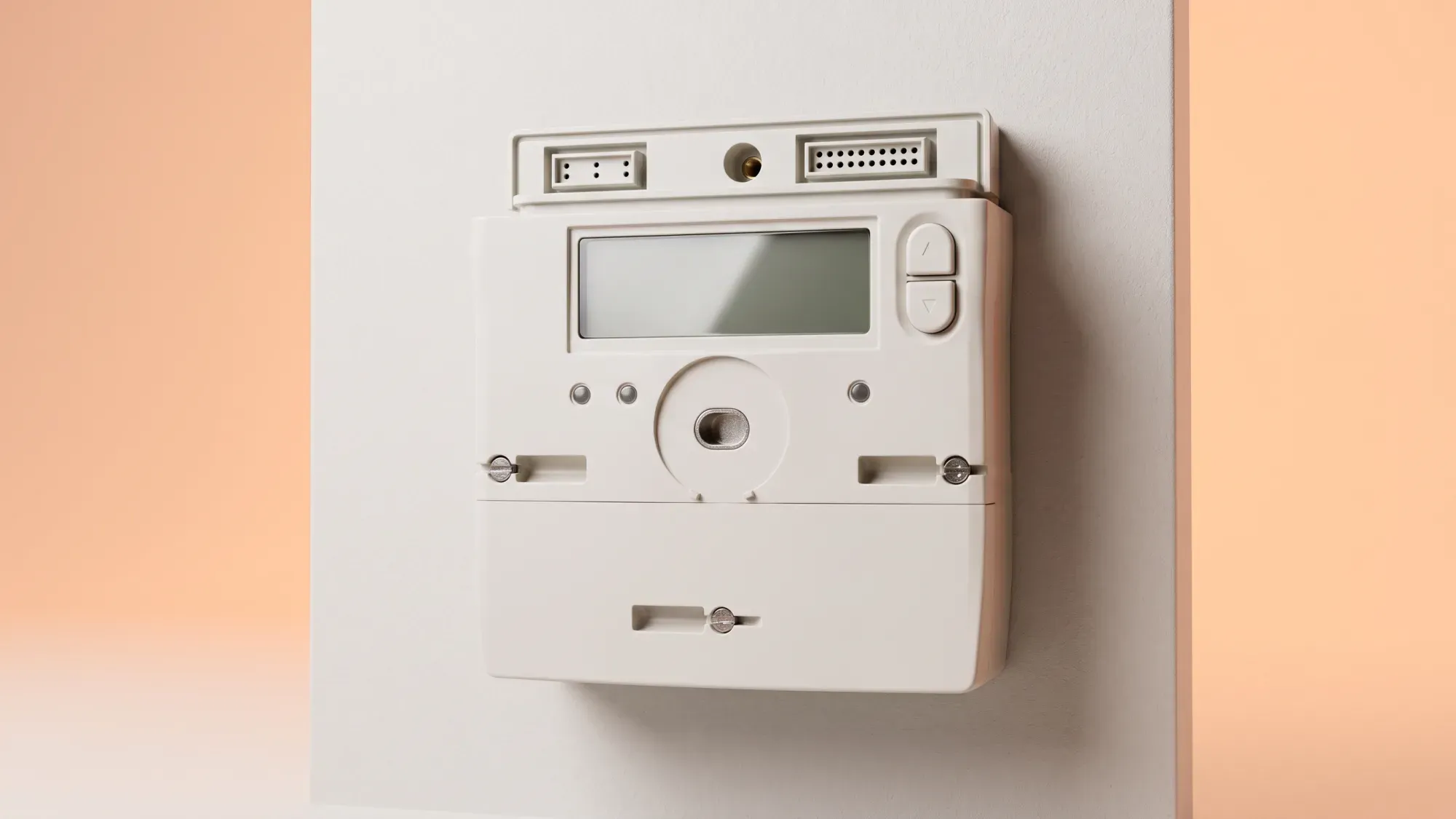
A non-working gas smart meter can cause concern about your energy usage and billing. Knowing how these meters work and what to do if yours malfunctions can help ensure your gas supply remains uninterrupted and accurately billed.
If your gas smart meter isn't working, it's important to know who to contact and what steps to take. Fuse Energy aims to make managing your home's energy straightforward, even when issues arise. Click here to see how easy it is to switch to a supplier focused on clear communication and support.
Gas smart meters differ significantly from their electricity counterparts, primarily in their power source and how they handle malfunctions.
How gas smart meters work
Gas smart meters run on an internal battery, unlike electricity meters which draw power from the mains. These meters are designed to send automated readings to your supplier, ensuring accurate billing without manual intervention. However, connectivity issues can sometimes disrupt this process.
Common signs of a malfunction
You might suspect a problem with your gas smart meter if you notice a blank display, if your in-home display (IHD) isn't showing gas readings, or if you start receiving estimated bills despite having a smart meter. These signs can indicate anything from a temporary power-saving mode to a more significant internal fault.
Before contacting your energy supplier, there are a few simple steps you can take to diagnose and potentially resolve issues with your gas smart meter.
Check the display and power-saving mode
A blank display on your gas smart meter doesn't always mean it's broken. Gas meter displays often enter a power-saving mode to conserve battery. Pressing and holding a button on the meter for about 10 seconds should typically wake it up and illuminate the display. If the display remains blank after this, it could indicate a low or depleted battery. For older SMETS1 gas meters, a fully dead battery can cause the internal safety valve to close, cutting off the gas supply.
Verify meter status in your app
Many energy suppliers offer an app or online account portal where you can check the status of your smart meter. This can often show if your meter is online, offline, or if there are any known issues in your area. Fuse's app, for example, provides clear meter status, empowering customers to understand their energy usage. For more details on how these meters communicate, you can learn about smart meter connectivity.
Several factors can cause a gas smart meter to stop working correctly, ranging from connectivity problems to internal hardware failures.
Connectivity issues
Smart meters rely on a secure network to send readings to your energy supplier. If there are issues with this connection, your meter might appear offline, and your supplier may resort to estimated billing. These connectivity problems can be due to network outages, interference, or issues with the meter's communication hub.
Depleted battery (gas meters only)
A depleted internal battery can be a reason for a gas smart meter malfunction. The battery in a gas smart meter is sealed and cannot be replaced by the user or an engineer; a depleted battery necessitates a full meter exchange. This is a critical distinction from other battery-powered devices.
Meter fault or damage
Less commonly, a gas smart meter might stop working due to an internal fault or physical damage. This could manifest as persistent error codes on the display (if it's still working) or a complete failure to register usage. In such cases, a meter exchange is typically required.
A non-working smart meter can understandably cause concern about billing accuracy. However, energy suppliers have established procedures for managing accounts when smart meters are offline.
Estimated readings and adjustments
If your smart meter is not sending readings, your energy supplier will typically switch to estimated billing. This means your bills will be based on your past usage patterns rather than actual, up-to-date readings. Smart meters that are offline for more than two days will result in estimated billing until remote readings resume. Understanding how to read your smart meter can help you keep track of your usage even when it's offline.
Ensuring billing accuracy
While estimated bills can be unsettling, they are not permanent. Once your meter issue is resolved and readings resume (either automatically or via a new meter), your account will be adjusted to reflect your actual usage. You can also submit manual meter readings to your supplier if your meter's display is still functional, which can help keep your estimated bills closer to your true consumption.
When troubleshooting steps don't resolve the issue, or if you suspect a more serious problem, it's time to contact your energy supplier.
When to contact your energy supplier
Your energy supplier is responsible for the installation, maintenance, and replacement of smart meters at customer properties. Contact them if your meter remains blank, if you're consistently receiving estimated bills, or if you have any safety concerns. Ofgem, the UK's energy regulator, sets standards for how suppliers handle meter faults and customer complaints.
Information to have ready
Before you call, gather essential meter details. This includes your gas smart meter's serial number (often found on the meter itself or on a previous bill) and any visible error codes. This information will help your supplier quickly diagnose the problem. For emergencies, such as a gas leak or if you suspect a meter fault that poses a safety risk, you should call the National Gas Emergency Helpline on 0800 111 999 immediately. This number is free and available 24/7.
Fuse Energy offers human customer support for meter issues and other queries, providing a reliable escalation path for complex problems and alleviating customer anxiety.
Dealing with a gas smart meter issue can be stressful, but understanding the process and knowing who to contact can make a big difference. At Fuse Energy, we believe in making energy simple and transparent. We offer clear pricing, in-app usage data, and dedicated human support to help you manage your home's energy with confidence.
Ready for a fresh approach to energy? Click here to switch to Fuse Energy today and experience energy management designed around you. You can also learn more about our mission to provide cleaner, fairer energy for everyone here.