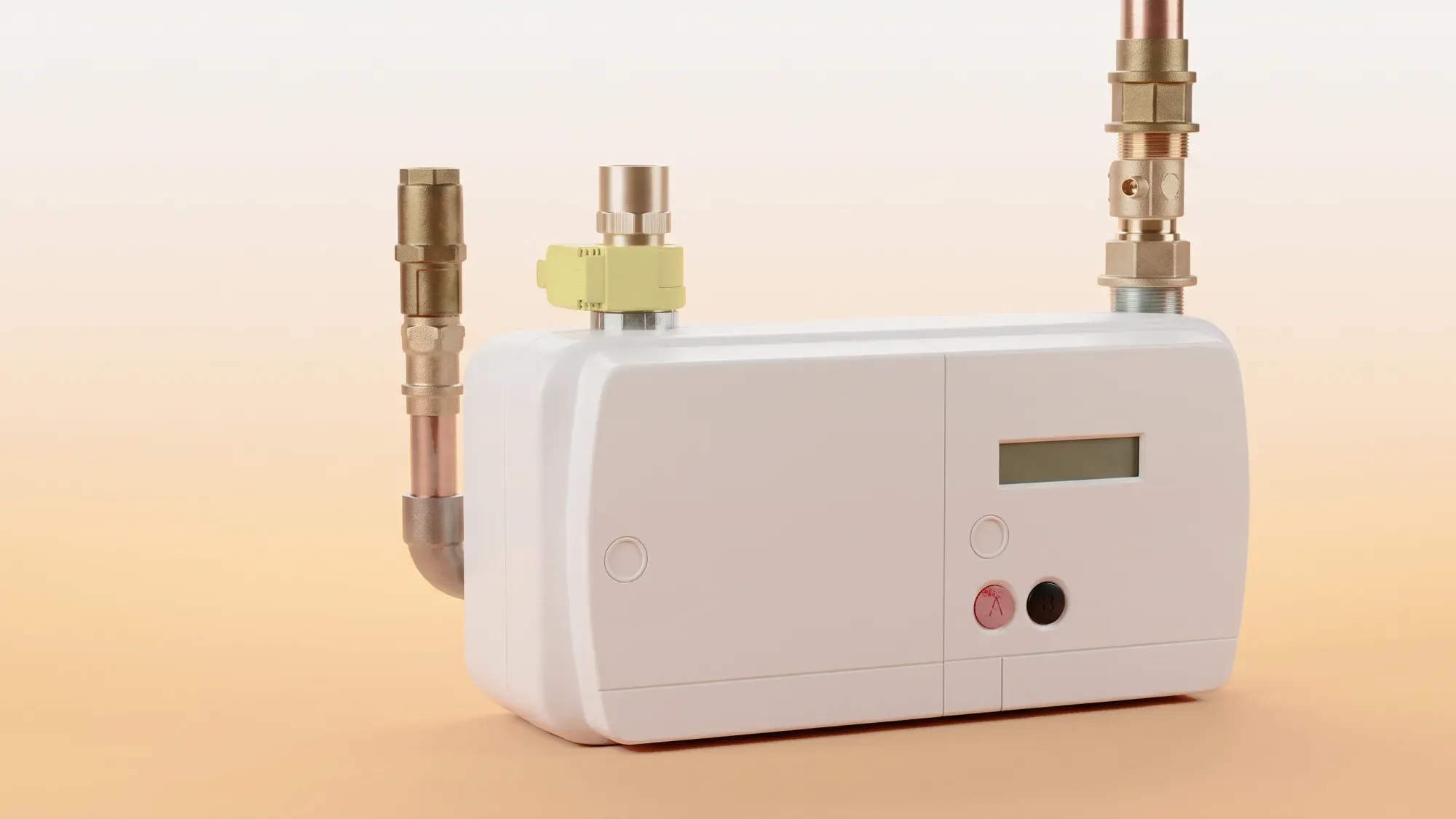
If your smart gas meter isn't showing a reading, focus on one thing: is the meter itself working? Not your in-home display (IHD). Not your app. The physical gas meter is the only device that records your usage and determines your bill. This guide explains how to check the meter properly, what's likely gone wrong, and how to avoid being billed on estimates.
Take the stress out of meter readings and billing for good. With Fuse Energy, you can choose between typing in your meter reading or taking a photo of it in our app and we'll handle the rest. Get clear bills, real-time half-hourly usage data, 24/7 human customer support, and a modern energy experience designed around you. Switch to Fuse Energy today in as little as 3 minutes, save annually on your bills, and see how simple energy can be.
A quick checklist
- Find your gas meter.
- Try to wake the screen by pressing one of the buttons.
- Check for a visible reading or error message.
- Submit the reading to your supplier.
- Report the issue if the meter isn't responding or turning on.
The most common mistake is assuming there's a problem because the IHD is blank or not updating. That doesn't tell you anything about the meter itself. Often, the meter can be working normally but the connection with the IHD has dropped off. In this case, the gas meter is likely still recording your usage but the connection has failed. What matters is whether the meter itself shows a reading.
Your gas meter is usually located outside in a meter box, under the stairs, or in a utility cupboard. Start by pressing any button for at least 10 seconds to wake the screen. You're looking for a reading in m³, ft³, or kWh, usually a row of numbers with a decimal point. If you can see a read, the meter display is working. Signs of a real problem include a completely blank screen, no response to button presses, visible error messages, or a read that hasn't changed over a few days despite using gas.
If the meter shows a reading, you're not stuck
Even if your app isn't updating, you can still get accurate bills. Take a manual reading by noting the numbers before the decimal point and ignoring any red digits. Submit this to your supplier so your bill reflects actual usage rather than an estimate. You should still contact your supplier as it may be the case that the gas meter has disconnected so isn't sending remote reads. Your supplier should try reconnecting your gas meter remotely.
If the meter is blank or unresponsive
If the meter itself shows no reading at all, that usually points to a hardware issue. Common causes include battery failure, internal faults, or the meter reaching the end of its life. Gas meters are battery-powered, so when the battery fails, the display can go completely blank. In this case, take a video of you pressing the buttons showing no response on the display and send this to your supplier explaining the situation. They are responsible for replacing the meter if deemed to be faulty.
Avoid estimated bills while it's being fixed
If your smart readings stop, your supplier may switch to estimated billing. To continue receiving accurate bills, submit manual readings regularly, keep a record with photos and dates, and check your bills are calculated using the readings you provide.
The IHD is not a reliable way to diagnose problems. If it's blank or the time and date showing is wrong, it usually means there's a connection issue or a delay in data syncing between your meters and the IHD. It does not mean your gas meter has stopped working. Always check the meter itself first.
Managing your energy shouldn't feel like a monthly chore. While submitting meter readings can be necessary, Fuse Energy removes the friction around it. If your meters are offline or faulty, we can send an engineer around to replace them or troubleshoot, completely free of charge. Instead of navigating clunky portals, you can simply upload a photo of your meter or type in the reading in our app, making the process faster, clearer, and less error-prone. You also get real-time, half-hourly usage data in the app and website if you have a connected smart meter. Our 24/7 human support team is always on hand with fast response times of under 5 minutes whenever you need help. Switch to Fuse Energy in as little as 3 minutes and find out about our mission.
My IHD is blank, is my gas meter broken?
No. In most cases, the meter is still working. Check the meter itself.
What should I do if my meter is broken or faulty?
If you suspect your physical meter is broken, such as the display being blank or showing an obvious error code, you must contact your supplier immediately. They are responsible for the maintenance and repair of the meter and will arrange for an engineer to come and investigate and replace the unit if necessary.
Do I still need to submit readings if I switch to Fuse Energy?
In most smart meter homes, you shouldn't need to submit regular manual readings because data is collected automatically. If you have a non-smart meter, Fuse Energy makes the process straightforward and transparent by giving you multiple options to submit each month. The goal is fewer estimated bills and less administrative work for you.