Do smart meters need Wi-Fi?
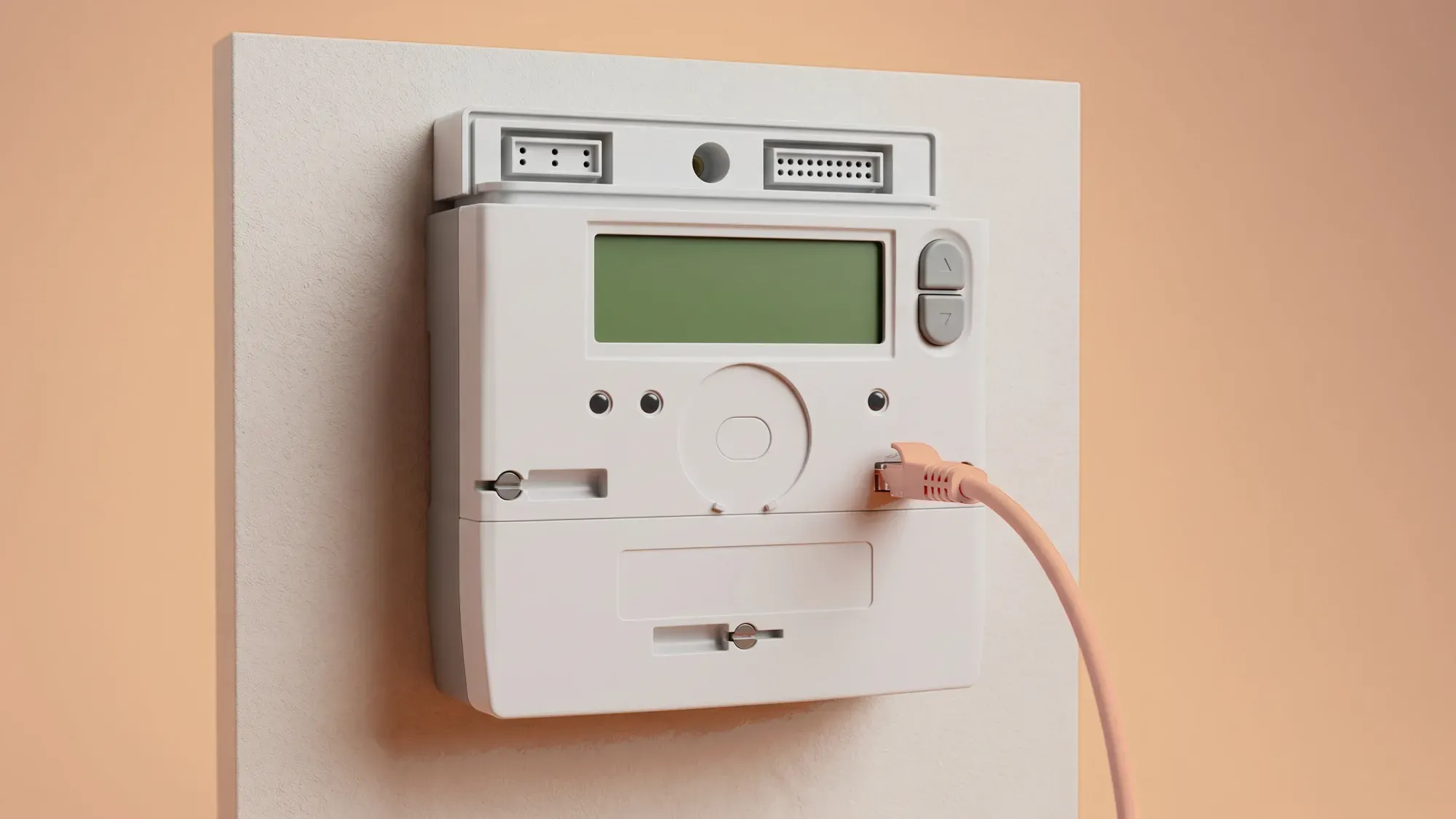
Smart meters do not need your home Wi-Fi to send readings or function. They operate on their own dedicated, secure national network, ensuring reliable data transmission for accurate billing and usage insights.
Understanding how your smart meter connects is key to making the most of your energy. At Fuse Energy, we ensure your smart meter provides clear data for accurate billing and insights, all without relying on your home internet. Click here to switch to Fuse Energy today.
Enter your address to get a quote and see how much you could save
How smart meters really connect
Many people assume smart meters rely on a home internet connection, but this is not the case. Your smart meter uses a separate, purpose-built communication system to transmit data, independent of your home Wi-Fi.
The dedicated national smart meter network (WAN)
Smart meters in Great Britain communicate via a secure, dedicated national network known as the Great Britain Smart Metering Wide Area Network (WAN). This network is entirely separate from your home Wi-Fi or mobile broadband connection. It is designed specifically for smart meters, ensuring a consistent and reliable connection for transmitting your energy data to your supplier.
The Data Communications Company (DCC) operates and manages this network, connecting smart meters to energy suppliers and network operators across Great Britain. This secure network ensures your readings are sent directly to your energy supplier, allowing for accurate billing without any manual input or reliance on your home internet. The DCC network uses various communication technologies, including cellular and long-range radio, to ensure widespread coverage across Great Britain.
How do smart meters send readings?
Smart meters transmit energy usage data automatically via the dedicated national smart meter network (WAN). This secure network ensures your readings are sent directly to your energy supplier, allowing for accurate billing without any manual input or reliance on your home internet.
How your In-Home Display connects (HAN)
Your In-Home Display (IHD) is a small screen that shows your energy usage and costs in near real-time. It connects to your smart meter via a Home Area Network (HAN), which is also separate from your home Wi-Fi. The HAN is a secure, In-Home network that allows your smart gas and electricity meters to communicate with the IHD. This means your IHD will continue to function and display your energy information even if your home internet is down. The communications hub, often located on or near your electricity meter, acts as the gateway for the HAN.
Why independent connectivity benefits you
The independent nature of smart meter connectivity offers several advantages for you as a customer.
Uninterrupted reliability and accurate billing
Because smart meters use a dedicated national network, they continue to send readings even if your home internet experiences outages. This ensures that your energy supplier receives consistent data, leading to accurate bills and preventing estimated charges. Even if there is a temporary loss of connection, your smart meter will continue to record your energy usage, and once the connection is restored, it will transmit the stored readings. If you receive estimated bills during a period of signal loss, these may be adjusted on your next bill once actual readings are received.
Enhanced security and privacy
The smart meter network is designed with security as a priority, developed alongside the National Cyber Security Centre (NCSC). It operates outside the public internet, reducing vulnerability to common home internet security risks. Your smart meter records only your gas and electricity readings; it does not store personal information like your name, address, or bank details. This data is encrypted before being transmitted, ensuring its integrity and privacy.
Universal accessibility
Smart meters function effectively regardless of whether you have home internet or a Wi-Fi connection. This ensures that all households in Great Britain can benefit from smart metering technology, promoting a more efficient and sustainable energy future for everyone.
Addressing common connectivity questions
It is natural to have questions about how your smart meter stays connected. Here is what to expect.
What if my smart meter loses signal?
Like any wireless device, smart meters can occasionally experience temporary signal loss. However, this does not mean your meter has stopped working. Your smart meter will continue to record your energy usage, and once the connection is restored, it will transmit the readings it has collected to your supplier. If you are concerned about prolonged signal loss, contact your energy supplier.
Troubleshooting your In-Home Display
If your IHD stops showing your energy usage, it does not necessarily mean your smart meter is not working. Often, IHD issues can be resolved by moving the display closer to your electricity meter, ensuring there are fewer walls or obstructions between them. Plugging it into a different socket or restarting it can also help. If problems persist, your supplier may be able to reset the connection remotely or send an engineer to investigate. You can often check your energy usage data via your supplier's app or online account even if your IHD is not working.
The Fuse Energy app can also act as a remote IHD for customers with a smart meter, showing hourly, daily, monthly, and annual usage. Physical IHDs are optional and not required for billing or meter operation, and billing always relies on meter data, not the IHD.
Fuse Energy leverages the dedicated national smart meter network to provide clear insights and support. Our approach ensures that you receive accurate billing and valuable usage data without the need for your home Wi-Fi. We aim to empower you with knowledge about your energy consumption, fostering trust through transparency and reliable data transmission.
Managing your energy bills should be clear and easy to understand. Fuse Energy focuses on straightforward pricing, so you can see exactly what you are paying without unnecessary complexity. If you have a smart meter, you can view detailed usage data through the app or website, helping you understand how you can lower your bills. Our 24/7 human support team is always on hand with fast response times whenever you need help. Click here to switch to Fuse Energy today. Find out about our mission by clicking here.
Disclaimer
For the avoidance of doubt, this article is provided for informational purposes only and is not intended to constitute legal or financial advice. The author and/or Fuse Energy shall not be responsible for any losses arising out of any reliance on the information contained herein.