Avoid smart meter overcharging clock change
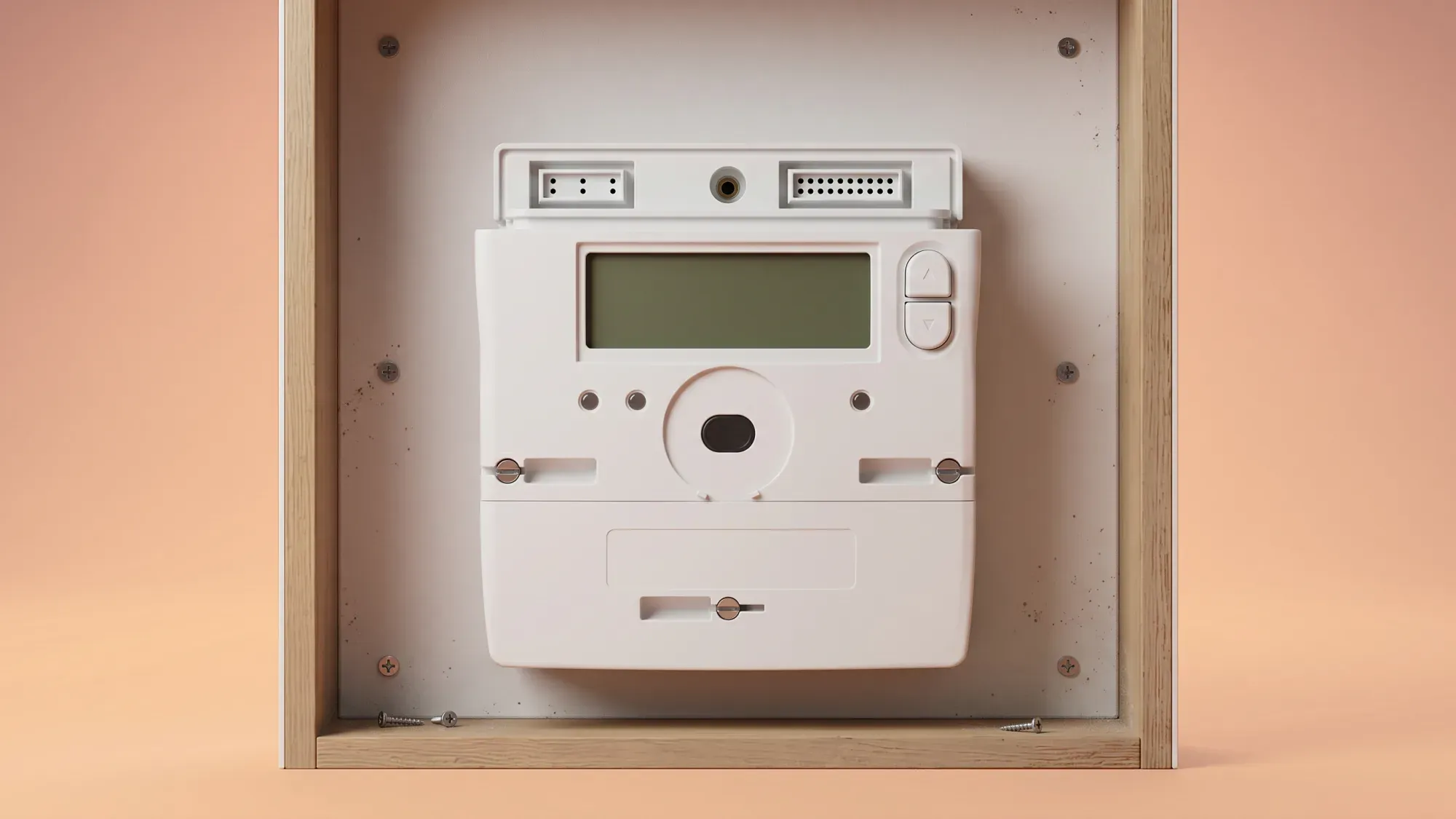
Smart meters are designed to automatically adjust for Daylight Saving Time (DST) clock changes, but errors can occur, potentially leading to billing inaccuracies. This guide provides clear, actionable steps for UK households with smart meters to prevent overcharging and ensure energy bills remain accurate, especially for those on multi-rate tariffs like Economy 7.
Managing your energy should be straightforward, even with seasonal clock changes. If you're looking for an energy supplier that prioritises clear billing and smart meter integration, consider switching to Fuse Energy. We aim to make understanding your energy usage simple and transparent. Click here to get started.
Enter your address to get a quote and see how much you could save
How smart meters handle clock changes
Automatic adjustments and potential glitches
Smart meters are engineered to automatically update their internal clocks when DST begins or ends. This automatic adjustment is crucial for accurate billing, particularly for tariffs that vary throughout the day. While most meters handle these transitions without issue, glitches can sometimes occur, leading to discrepancies in recorded usage times.
The impact on Economy 7 tariffs
Economy 7 tariffs, and other multi-rate plans, rely on specific peak and off-peak time windows to calculate charges. These time windows must adjust correctly with clock changes to ensure accurate billing. If a smart meter fails to update its time, or if the tariff settings are not synchronised, you could be charged peak rates for energy consumed during what should have been off-peak hours, or vice versa. This can significantly impact your energy costs. For instance, the average UK home uses around 2,500 kWh of electricity per year. If a substantial portion of this usage is miscategorised due to a clock error, the financial impact can be considerable.
Why overcharging can occur
Several factors can lead to smart meter overcharging during clock changes, even when the system is designed for automation.
Time synchronisation errors
The most common cause of overcharging related to clock changes is a time synchronisation error. If your smart meter's internal clock does not update correctly, or if it loses sync with your energy supplier's system, it can record energy usage at the wrong times. This is particularly problematic for multi-rate tariffs, where the cost of electricity changes based on the time of day.
What is a time synchronisation error in smart meters?
A time synchronisation error occurs when your smart meter's internal clock does not align with the official time, especially after DST changes. This can cause your energy usage to be recorded at incorrect times, potentially leading to inaccurate billing, particularly for tariffs with different rates for peak and off-peak periods.
Incorrect meter serial numbers
While less common, an incorrect meter serial number (MSN) recorded against your supply can also lead to billing issues. If your energy supplier's records show a different MSN than the one physically on your meter, readings might be misallocated or estimates used, leading to discrepancies.
Smart meter not sending readings
A smart meter that is not consistently sending readings can also contribute to overcharging. If your meter goes offline or experiences connectivity issues, your supplier might resort to estimated bills. These estimates might not accurately reflect your actual usage, especially if a clock change has occurred during the period of lost connectivity. The Radio Teleswitch Service (RTS) for legacy meters, which used to control time-of-use tariffs, is being phased out, with the industry-wide switch-off beginning on 30 June 2025. This transition emphasises the importance of fully functional smart meters for accurate, automated readings.
Proactive checks for your smart meter
Taking a few proactive steps before and after clock changes can help you catch potential issues early.
Verifying your meter's time display
Check your smart meter's in-home display (IHD) or the meter itself to confirm the time is correct. Most IHDs show the current time. If you notice a discrepancy, note it down immediately.
Checking Economy 7 off-peak hours
For Economy 7 users, it is vital to verify that your off-peak hours have adjusted correctly. Before the clock change, make a note of your current off-peak times. After the change, check your IHD or contact your supplier to confirm the new off-peak window is as expected. This ensures you are still benefiting from cheaper rates when you intend to.
Monitoring your energy usage
Keep an eye on your energy usage patterns through your smart meter's display or your energy supplier's app. Look for any unusual spikes or changes in your daily consumption that do not align with your habits. Sudden increases, especially during what should be off-peak periods, could signal a problem.
What to do if you suspect an error
If you suspect your smart meter has an error after a clock change, gathering the right information is key to a swift resolution.
Gathering essential information
Before contacting your energy supplier, collect the following details:
- Your account number.
- Your meter serial number (found on the meter itself).
- The current date and time displayed on your smart meter and in-home display.
- Details of the suspected error, including dates and times you believe are incorrect.
- Any unusual readings or billing discrepancies you have observed.
- For Economy 7 users, specific examples of when you believe you were incorrectly charged peak rates during off-peak hours.
Steps to take before contacting support
Take photos of your meter's display showing the incorrect time or any unusual readings. Keep a log of your energy usage for a few days, noting the time and consumption. This evidence will be invaluable when you speak to your supplier.
Getting help from your energy supplier
Reporting a smart meter problem
Contact your energy supplier as soon as you suspect a problem. Most suppliers have dedicated support channels for smart meter issues. Be clear and concise when explaining the problem, providing all the information and evidence you have gathered.
Understanding the resolution process
Once you report an issue, your supplier should investigate. This might involve remotely checking your meter's data, requesting manual readings, or arranging an engineer visit. They are responsible for ensuring your smart meter functions correctly, including time adjustments. If an error is found, they should correct your billing. If your supplier fails to complete a switch within 5 working days, you may be entitled to £40 in compensation1.
Your rights as a consumer
Ofgem, the energy regulator, sets rules to ensure fair billing practices and proper functioning of smart meters, including Guaranteed Standards of Performance. If you are not satisfied with your supplier's response, you have the right to escalate your complaint. After eight weeks, or if you receive a deadlock letter, you can take your complaint to the Energy Ombudsman for an independent review. You can also get free, independent, and confidential advice from organisations like Citizens Advice.
Navigating smart meter issues and ensuring accurate billing can be complex, but Fuse Energy is here to help. We offer in-app chat and email support to help you resolve any issues efficiently, with an initial response typically within two days. Our goal is to provide a modern energy experience designed around you, making it easier to understand and manage your energy usage. Click here to switch to Fuse Energy today and take control of your bills. You can also learn more about our mission here.
References
- Ofgem. Switching energy supplier
Disclaimer
For the avoidance of doubt, this article is provided for informational purposes only and is not intended to constitute legal or financial advice. The author and/or Fuse Energy shall not be responsible for any losses arising out of any reliance on the information contained herein.